9|Page
Toentertheprogrammode.
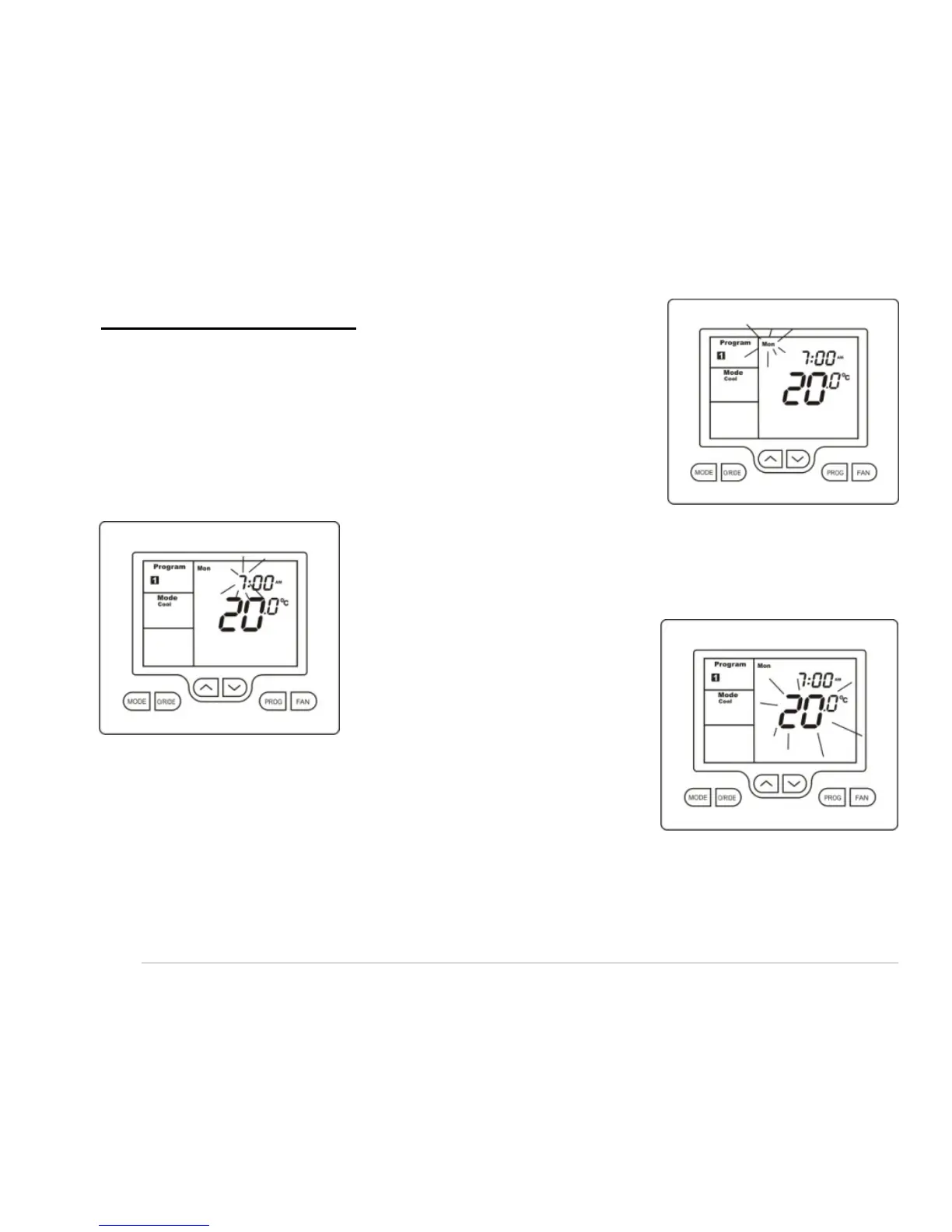
Press and hold the “PROG” button for 3 seconds. The
display will change to show the number “1” and the Day
“Monday”flashing.Usingtheup()ordown()buttons
adjustthedaytothedayyouwishtostartprogrammingor
tothedayyou
wishtoeditanexistingeventorprogram.
Tap the “PROG” button to advance to the next step, the
LCD will show the digit “1” with the hour’s digit flashing.
Usingtheup()ordown()buttonsadjustthehoursto
thetimeyouwishthe
number“1”eventtocommencefor
thecurrentlyselect edday.
Tap the “PROG” button
again, now the minute’s
digits flashes. Using the up
()ordown() buttons set the minute to the time you
wishthenumber“1”eventtocommence.
Tap the “PROG” button
again, now the word “HEA T” (if
enabledbytheinstaller)andatemperaturevalueisshownintheLCD,usingtheup()
or down () buttons set the desired heating temperature to be maintained for the
number“1”event.












 To Next Page