Chapter 5
31 smarttech.com/kb/170769
Chapter 5: Troubleshooting your capture board
Resolving hardware issues using the indicatorlights 31
Resolving app issues 33
This chapter explains how to troubleshoot common issues with your capture board and the
SMARTkapp app.
Resolving hardware issues using the
indicatorlights
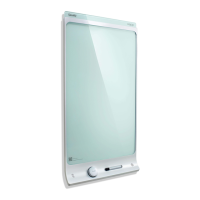
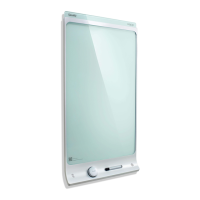
Your SMARTkapp 42" capture board includes four indicator lights in the bottom-right corner. Your
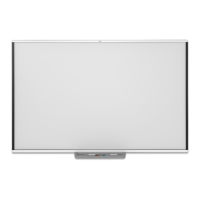
SMARTkapp 84" capture board includes four indicator lights on the pen ledge. When you first
connect your capture board to a power source, the indicator lights turn on and off in the following
order until the capture board is ready for use:
l Status
l Bluetooth
l USB
l Capture


 To Next Page