CHAPTER5
TROUBLESHOOTING YOUR CAPTURE BOARD
34 smarttech.com/kb/170769
Situation Troubleshooting
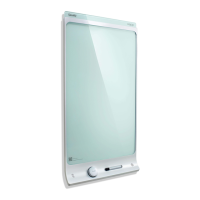
When you write on the capture
board, your writing doesn’t appear in
the SMARTkapp app, or extra lines
or other visual noise appear in the
SMARTkapp app.
l
Ensure the capture board’s cameras and bezel are
clean (see
Cleaning your capture board
on
page27).
l
Ensure there aren’t any objects in the bezel.
l
Ensure your hands, arms or loose clothing aren’t
coming in contact with the capture board as you
write.
l
Write on the capture board using only compatible
markers (see
Replacing the markers and eraser
on
page29).
l
Keep your capture board away from bright light
sources such as direct sunlight and incandescent
lighting.
There’s another issue not
documented in this guide.
Contact SMARTSupport for assistance.


 To Next Page