Getting acquainted 1!37
On!board instruments
Multi!function display
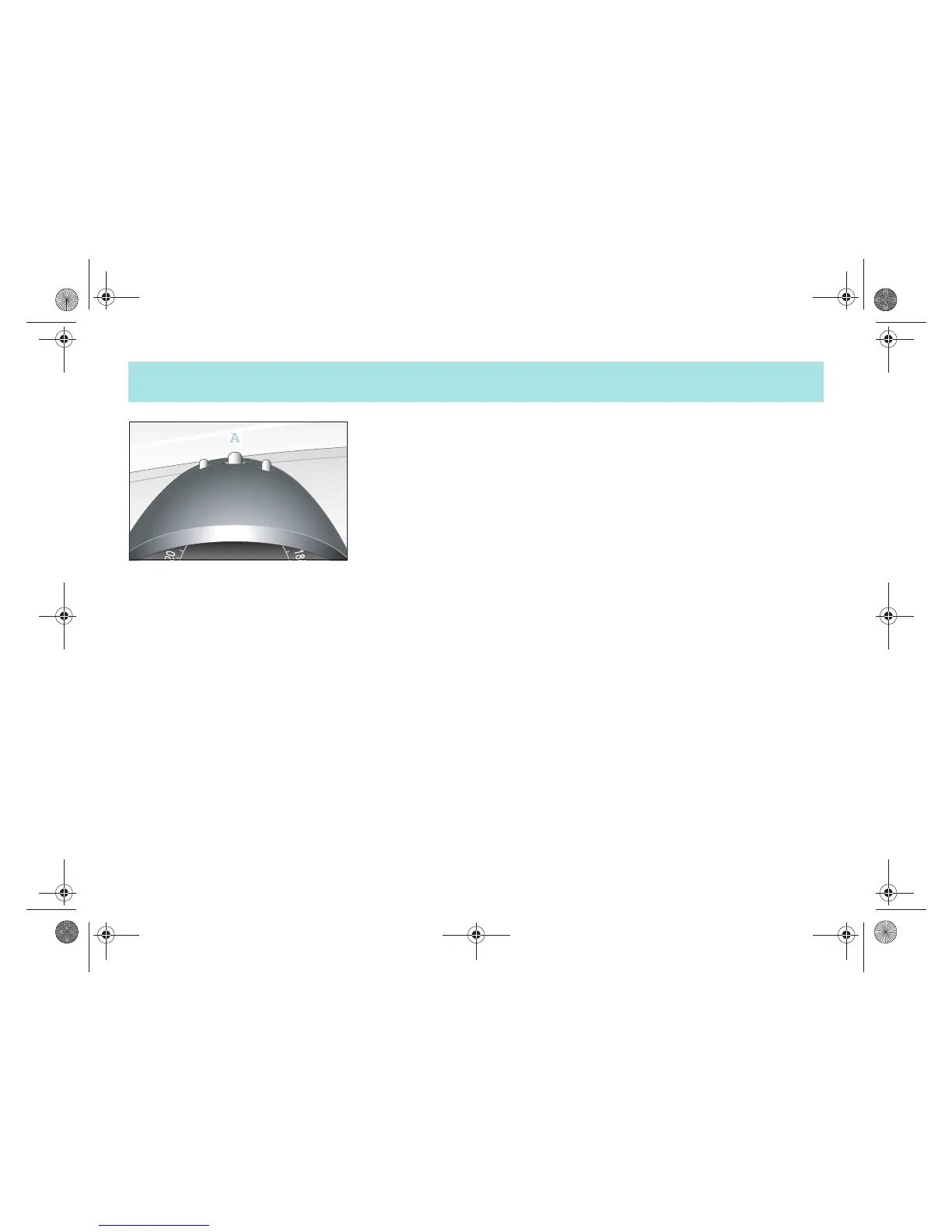
! In each case press button (A) once to
switch between the following
functions:
! Trip odometer
! Daily trip odometer (when held down
for a few seconds it returns to zero)
! Outside temperature
! Residual litres display (when there
are fewer than 5 litres of fuel in the
fuel tank)
! Briefly press the button (A) twice in
succession.
1
>The service interval indicator
appears on the display.
>Note on outside temperature display*
The temperature display will respond
sluggishly when temperatures rapidly
rise or fall.
This ensures that the temperature
reading is not falsified by the heat of the
engine e.g. when the car is at a standstill
or travelling relatively slowly.
1Not in all countries.
!"#$%&'()*$#+,,-#.#/01,,2034567(809:;<%%=##>*7)*#EG##@%4)&5A#-1;#B=)%<*$#-,,C##??DC?#??















 To Next Page