Getting acquainted 1!39
On!board instruments
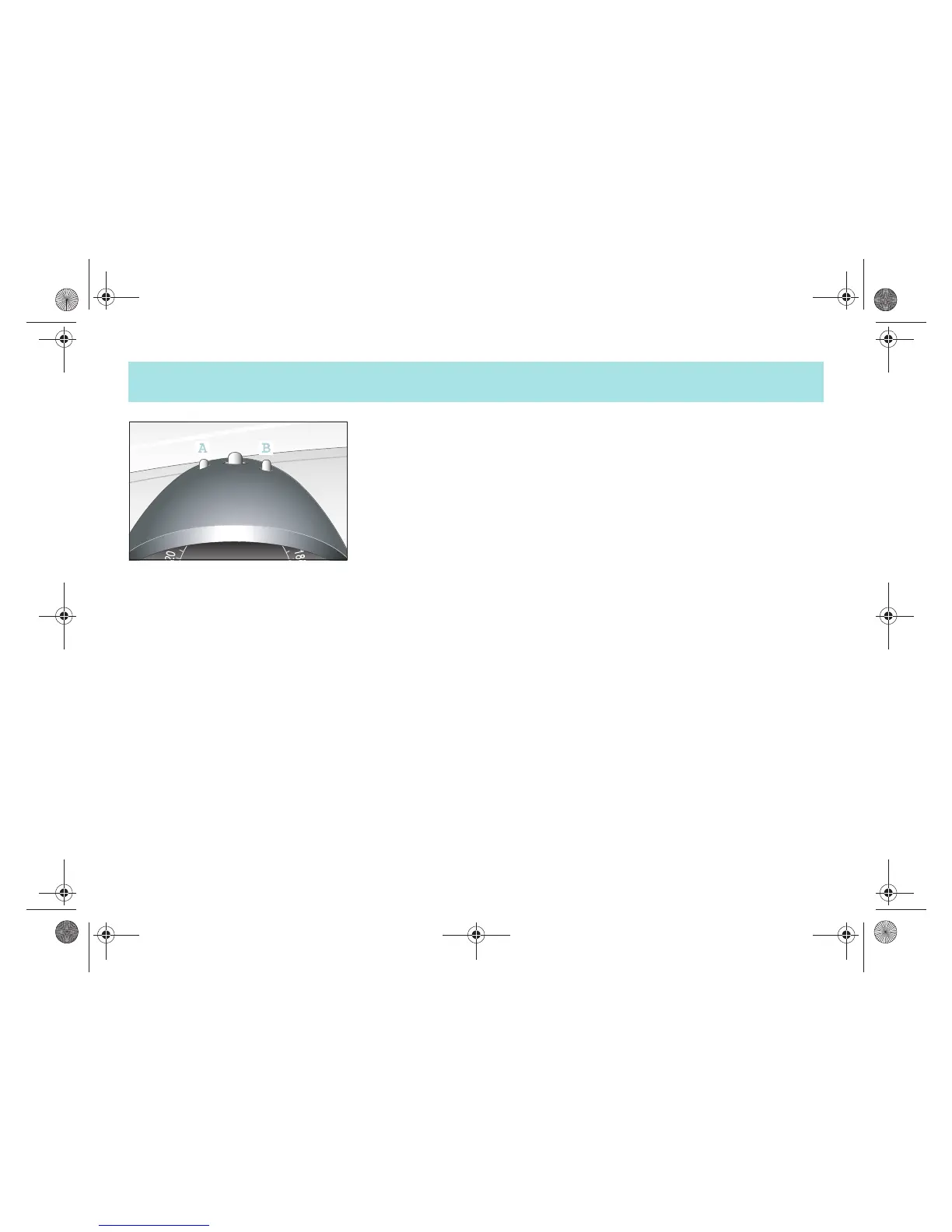
Setting the time
! Press button (A) or (B) until the colon
in the time display starts to flash.
Advancing the time
! Keep the button (B) depressed until the
desired time appears on the display.
Reversing the time
! Keep the button (A) depressed until the
desired time appears on the display.
>Note!
The setting speed increases when buttons
(A) or (B) are depressed for an extended
amount of time.
!"#$%&'()*$#+,,-#.#/01,,2034567(809:;<%%=##>*7)*#E2##@%4)&5A#-1;#B=)%<*$#-,,C##??DC?#??















 To Next Page