Audio 4!11
On!board computer*
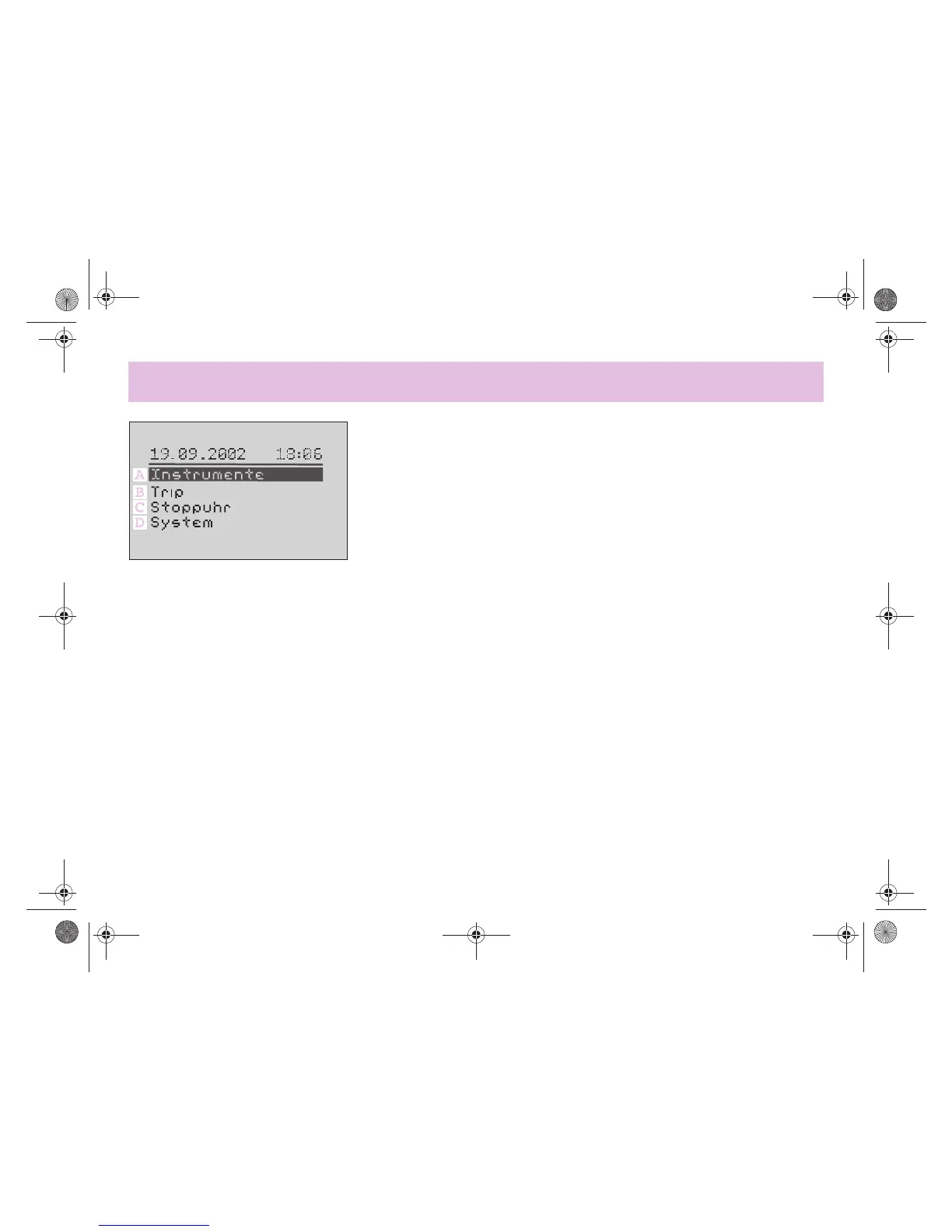
Menu guidance
The following information can be called
up on the LCD display by
! turning control to the left,
! turning control to the right,
! pressing.
"Instruments" (A) menu
In the "Instruments" menu, the
! engine speed,
! road speed,
! Outside temperature
can be read off.
"Trip" (B) menu
You can find important driving
information in the "Trip" menu.
1. Daily readings
! Distance driven
! Amount of fuel used
! Average fuel consumption
! Average speed
! Amount of fuel remaining
! Operating range
2. Log book
! Start of journey
! Duration of journey
! Distance covered
! Amount of fuel used
You can also store these data for five
trips.
"Stop watch" (C) menu
The "Stop watch" menu shows the
! Stop watch (for taking times and
intermediate times)
! Sectors
>Duration of section
>Length of section
>Average speed for section
Five entries can be stored in the "Stop
watch" menu.
"System" (D) menu
In the "System" menu, the
! language versions D, GB, F and I can be
selected,
! date and time can be set,
! units of measurement can be specified,
! display and lighting can be adjusted,
! display contrast can be adjusted,
! factory settings can be restored.
Further information
The on!board computer in addition
displays a whole range of warnings:
! Doors not properly closed,
! Soft top faults,
! Excessive engine temperature,
! Oil pressure too low,
! Brake fluid level too low,
! Reserve fuel level reached,
! Handbrake not released,
! Reminder to switch off lights,
! Minor service due,
! Major service due,
! Ice warning.
!"#$%&'()*$#+,,-#.#/01,,2034567(809:;<%%=##>*7)*#??##@%4)&5A#-1;#B=)%<*$#-,,C##??DC?#??














 To Next Page