6
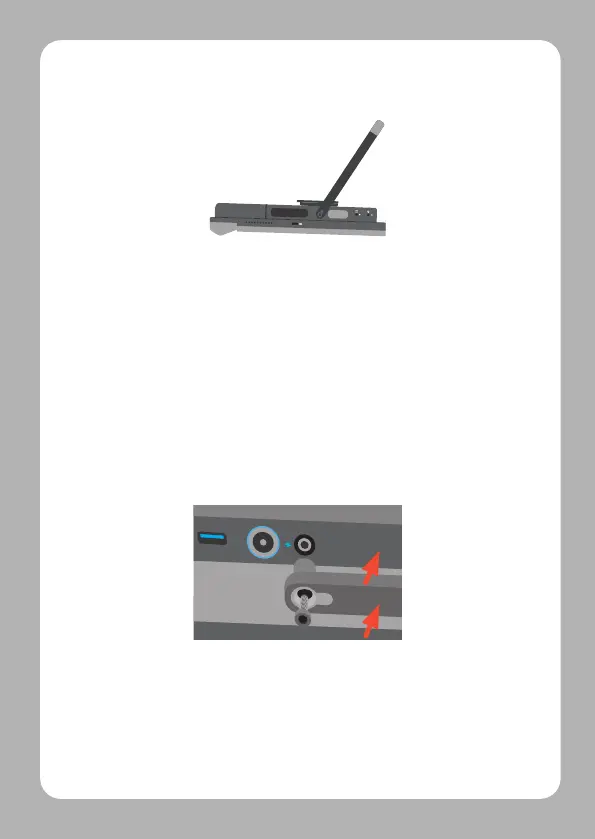
1. Lift the desk stand to 90 degrees or
greater
2. Place the Grid Pad screen down on a
flatsurface. It is recommended to use a
cloth to protect the screen
3. Unscrew the outer screws on the left and
right hand side of the stand using a socket
screwdriver
4. Pull one side of the stand firmly, straight
outward from the body of the Grid Pad
5. Align the longer stand with the openings
on the back of the Grid Pad
6. Replace the screws and secure firmly using
a socket screwdriver



 To Next Page