07
USER MANUAL: SF500
4.
The center legs are already attached and act as the
connecting hinge for the bed. DO NOT REMOVE
the bolts that connect the center leg. If you would
like to change the height of the base simply unscrew
the section of leg no longer needed and place the
removable plastic foot cap on the exposed center
leg
5.
To attach the legs, remove the silver bolt from the
end of the leg. Then place the bolt inside the square
bolt hole in the frame and turn the leg clockwise on
the bolt until tight and secure.
6.
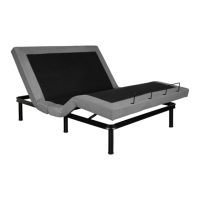
After the legs have been attached assembly is now
complete. Team lift the bed into the correct upright
position. Attach the mattress guards into the correct
sockets. Your Smart Flex adjustable bed is ready to
use.


 To Next Page