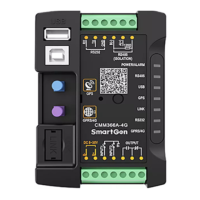
CMM366A-4G Cloud Monitoring Communication Module User Manual
CMM366-4G Cloud Monitoring Communication Module 2017-12-25 Version 1.0 Page 12 of 16
Table 6 – Digital Input Ports Content
All the indicators are illuminated when input is active.
Cloud start/stop control is prohibited when input is active.
Access alarm is uploaded to server when input is active.
Fire alarm is uploaded to server when input is active.
External alarm is uploaded to server when input is active.
It is only used for factory test when active.
Table 7 – Relay Output Ports Content
Output port won’t output when this item is selected.
Output when auxiliary input 1 is active.
Output when auxiliary input 2 is active.
Output when RS485 communication fails.
Output when Network communication fails.
Output when LINK communication fails.
Output when RS232 communication fails.
Output when there is an alarm.
Send remote control commands via cloud platform with fixed
output delay 20s.
5.2 PC CONFIGURATION INTERFACE
Connecting the USB port of CMM366A-4G communication module with PC USB port to configure the
parameters.
Fig.9 - Gateway Configuration


 To Next Page