Need help?
Do you have a question about the SmartLabs SML-282 HD Base and is the answer not in the manual?
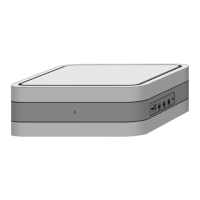
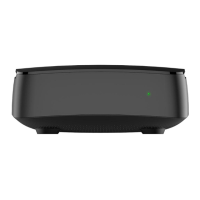
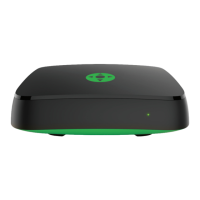
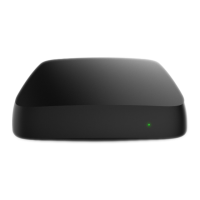
Expresses gratitude, lists models, notes variations, and explains device identification.
Explains guide icons and details environmental requirements for device operation.
Instructions for unpacking, removing film, and positioning the IPTV STB.
Provides connection schemes via HDMI and RCA for TV, router, and audio systems.
Details connections for microphones, USB flash drives, and external IR receivers.
Details the purpose of each port on the back panel (LAN, S/PDIF, USB, HDMI, Audio, Video).
Describes USB, microphone, IR receiver slots, and front panel indicators/windows.
Identifies the SATA HDD slot and HDD cover for internal storage.
Guides through first power-on, software download, and automatic reboot process.
Explains IR vs. RF remotes and connecting the RF remote control.
Instructions for connecting an external IR receiver for improved remote control reception.
Details button functions for power, mute, numbers, and channel navigation on RF/IR remotes.
Explains functions for search, menus, playback, volume, channels, and profiles.
Step-by-step guide for installing a 2.5" SATA HDD into the SML-292 HD Premium model.
Instructions for connecting a USB flash drive to the STB's USB slot.
Lists key parameters like HDD support, IR/RF receiver, dimensions, and I/O ports.
Outlines license, copyright, conformity to standards, and ROHS certificate.
Provides details on warranty, the warranty card, and contact information for the manufacturer.
 General
| RAM | 512 MB |
|---|---|
| Flash memory | 256 MB |
| Video Resolution | Up to 1080p |
| USB Port | 1 x USB 2.0 |
| EPG | Yes |
| Teletext | Yes |
| Parental Control | Yes |
| Operating system | Linux |
| Video output | HDMI, Composite |
| Audio output | S/PDIF |
| Interfaces | USB, Ethernet, HDMI |
| Video codecs | H.264, MPEG-4, MPEG-2 |
| Audio codecs | MP3, AAC |
| Tuner Type | DVB-T2 |
| HDMI Output | HDMI 1.4 |
| Wi-Fi | Optional (via USB adapter) |
| Supported File Formats | MP4, MKV, AVI |


 To Next Page