9. Battery Instructions 9. Battery Instructions
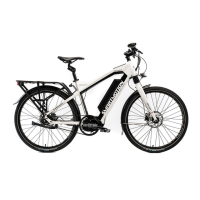
Battery Removal
To remove the battery, insert the key into the lock
on the front left side of battery, turn and hold
the key, then pull the lever and slide the battery
sideways out of the down tube. To reload the
battery make sure the battery is correctly on the
slide rail then slide it back in until it locks.
Note: the lock is automatc, no key required to load
the battery.
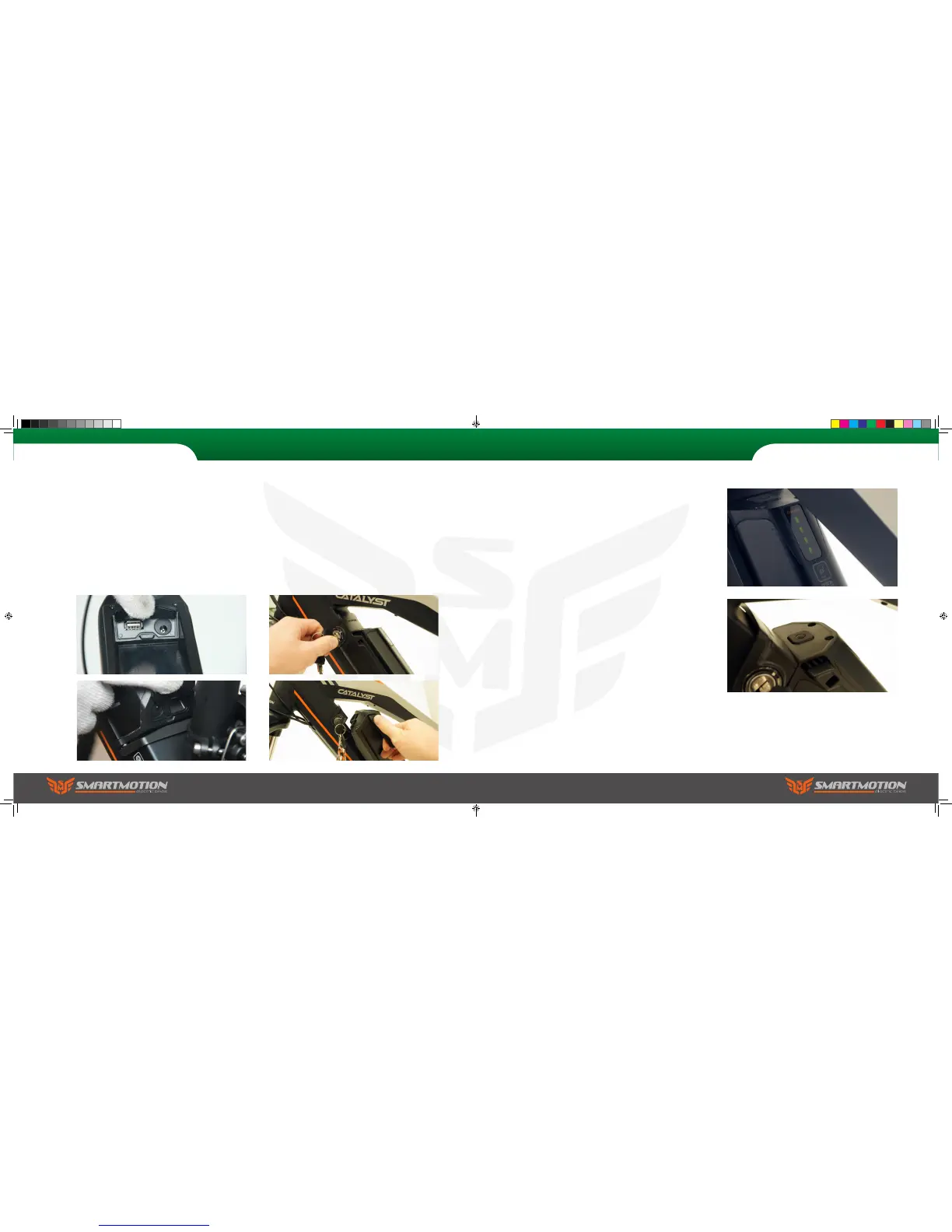
Charging your Battery
You can charge the battery on or off the bike via one
of two ports. One is at the bottom of the battery,
the other is above the LCD screen. Lift the rubber
cap and plug in your charger. The charge light on
the charger will show red, and turn green when the
battery is fully charged. Note: be careful to properly
reinstall the rubber cap before re using your bike.
Power On/Off
On the top front of the battery is the power on/off
button. When pushed in, the LED lights below will
glow green, indicating the battery output power
is live. The number of LED glowing displays the
amount of battery capacitance.
Note: if you leave the battery on, but do not use
the bike, it will enter sleep mode after 4 hours and
power down (LED will go out). To reactivate the
battery just click the button and the led will light
up, indicating the battery is live again. Note: when
charging the battery off the bike, always turn the
power off before redocking to the bike (if battery
power is on there will be a spark as the terminal
reconnects to the bike, which causes damage to the
battery socket and reduces conductivity).
Sports user manual.indd 26-27 7/15/2016 5:01:05 PM



 To Next Page