9. Battery Instructions
Battery Removal
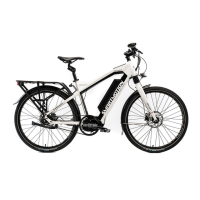
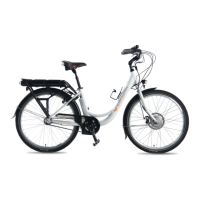
To remove the battery, insert the key into the lock
on the front left side of battery, turn the key, slide
the battery forward, then lift out. To reload the
battery make sure the battery is correctly on the
slide rail then slide it back in and lock.
Note: always lock the battery into the bike as it can
fall out while riding.
Charging your Battery
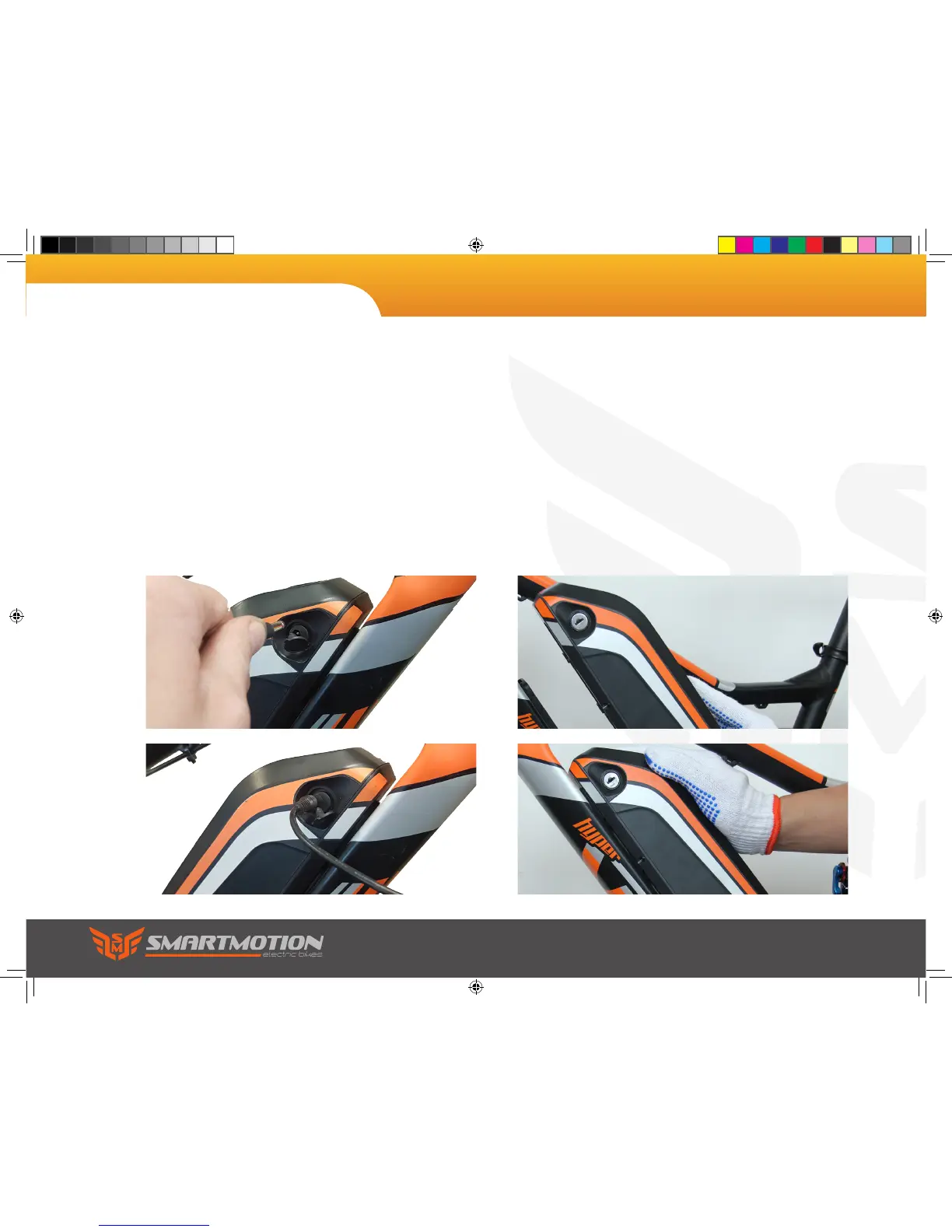
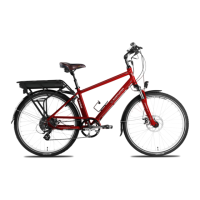
You can charge the battery on or off the bike. The
charging port is located on the right of battery. Lift
the rubber cap and plug in your charger. The charge
light on the charger will show red, and turn green
when the battery is fully charged. Note: be careful
to properly reinstall the rubber cap before re using
your bike. If the battery is in storerage you must
charge every 2 months.
Sonic user manual.indd 20 9/4/2017 3:51:03 PM



 To Next Page