EasyManua.ls Logo

Smart+ Products SPP15AIM - User Manual

Smart+ Products SPP15AIM
9 pages
Print Icon
To Next Page IconTo Next Page
Loading...
USER MANUAL
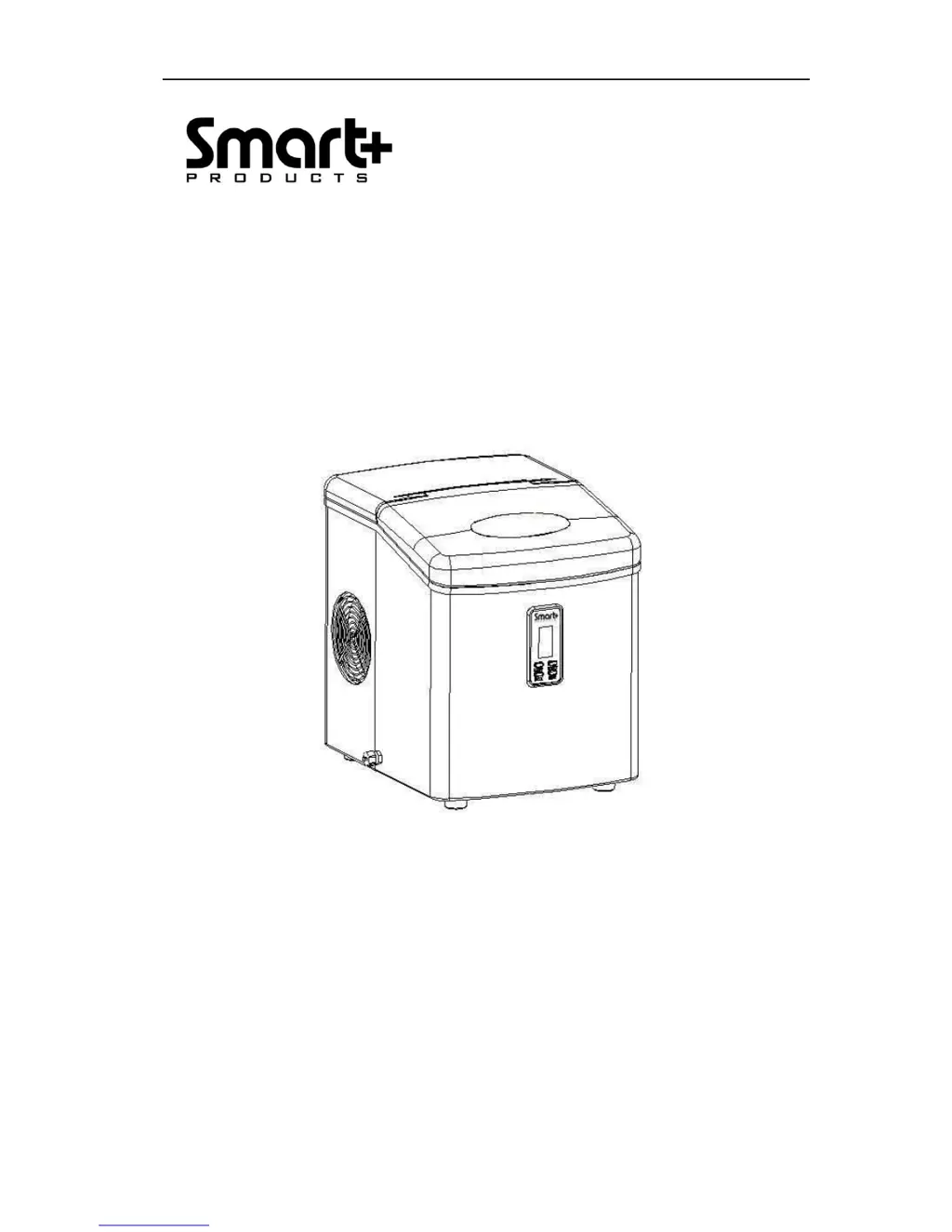
ICE MAKER
Model:SPP15AIM

Questions and Answers

  • P
    pconleyJul 31, 2025
    How to fix flashing symbol on Smart+ Products SPP15AIM?
    • C
      Cindy MoraJul 31, 2025
      If the symbol flashes on your Smart+ Products Ice Maker, it indicates a lack of water. To resolve this, stop the ice maker, add water, and then press the “ON/OFF” button to restart the unit.
  • J
    james80Aug 7, 2025
    What to do if the symbol displays on Smart+ Products SPP15AIM Ice Maker?
    • L
      Leah BoydAug 7, 2025
      If the symbol is displayed on your Smart+ Products Ice Maker, it means there is too much ice. Remove ice from the ice basket to solve this problem.
  • Q
    qharrisonAug 15, 2025
    Why is my Smart+ Products SPP15AIM Ice Maker not making ice?
    • J
      Jamie WillisAug 15, 2025
      If your Smart+ Products Ice Maker's cycle is running normally but no ice is being produced, it could be due to high ambient or water temperature. Ensure the ice maker operates below 90? and use colder water in the tank. If this doesn't solve the issue, the problem might be refrigerant liquid leakage or a blocked pipe in the cooling system, which requires verification by a qualified technician.
  • J
    John PetersAug 23, 2025
    Why are ice cubes sticking together in my Smart+ Products Ice Maker?
    • M
      Michael GarzaAug 23, 2025
      If ice cubes are sticking together in your Smart+ Products Ice Maker, it could be due to a couple of reasons. First, the ice cycle might be too long. To fix this, stop the ice maker, let the ice blocks melt, and then restart it, selecting the “Small” ice cube size. Another cause might be that the water temperature in the inner tank is too low. In this case, change the water in the inner tank, ensuring the water temperature is between 45?-90?.

Summary

Important Safety Instructions

Preparing Your Ice Maker for Use

Important Safety Tips

Basic safety precautions for using electrical appliances to reduce risks.

Getting to Know Your Unit

Control Panel Overview

Description of the LCD display and control panel buttons for operation.

Unit Components Identification

Identification and description of various parts of the ice maker unit.

Operating Procedures & Maintenance

Unpacking Your Ice Maker

Steps for unpacking, checking parts, and initial cleaning of the ice maker.

Connecting Your Ice Maker

Instructions for safely connecting the ice maker to a power outlet.

Cleaning and Maintaining Your Ice Maker

Recommended procedures for thorough cleaning before and during use.

Using Your Ice Maker

Making Ice Cubes

Step-by-step guide to making ice cubes, including water levels and size selection.

Timer Setting

How to set the timer for automatic start or stop of the ice maker.

Clock Display & Setting the Time

Setting the Clock Time

Instructions on how to adjust and display the current time on the unit.

Cleaning Reminder Indicator

How to interpret and reset the cleaning indicator symbol.

Troubleshooting

Troubleshooting Guide

Common problems, their possible causes, and solutions for the ice maker.

Technical Specifications

Specifications Details

Detailed technical specifications including model, power, and refrigerant.

Smart+ Products SPP15AIM Specifications

General IconGeneral
BrandSmart+ Products
ModelSPP15AIM
CategoryIce Maker
LanguageEnglish