3
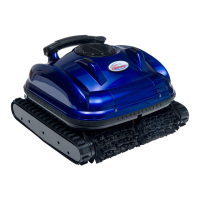
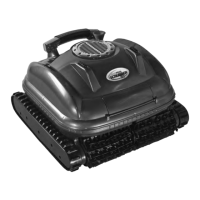
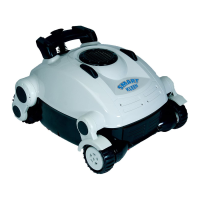
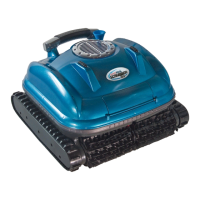
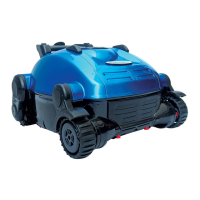
Congratulations on your purchase of the most technologically advanced automatic pool vacuum available today. The SmartPool Climber is easy to use and will make maintaining
your pool affordable and effortless. Following these simple directions will insure that the Climber will quickly and efficiently clean your pool today and for many years to come.
INSTALLATION
• Place the power supply in an area that will allow the cleaner to cover all areas of the pool.
• Be sure to only plug the power supply into a GFI (ground fault interrupter) or ELI (earth leak interrupter) protected electrical outlet.
• Look at the power supply and check that the power supply switch is in the OFF position.
• Plug in the connector from the cleaner into the power supply. The connector is keyed so that it will only plug into the power supply one way. Make sure that the plug is pushed all the
way onto the power supply. Slide the connector lock (strain relief) onto the connector and turn the connector lock clockwise until it is snug.
DO NOT RUN THE CLEANER OUT OF THE WATER.
OPERATING THE CLEANER OUT OF THE WATER WILL DAMAGE THE MOTORS AND VOID THE WARRANTY
• Place the cleaner into the pool and rock the cleaner side to side to release any trapped air. The cleaner will sink to the bottom of the pool.
• Put enough of the floating cord into the water to assure that the cleaner can easily reach all areas of the pool.
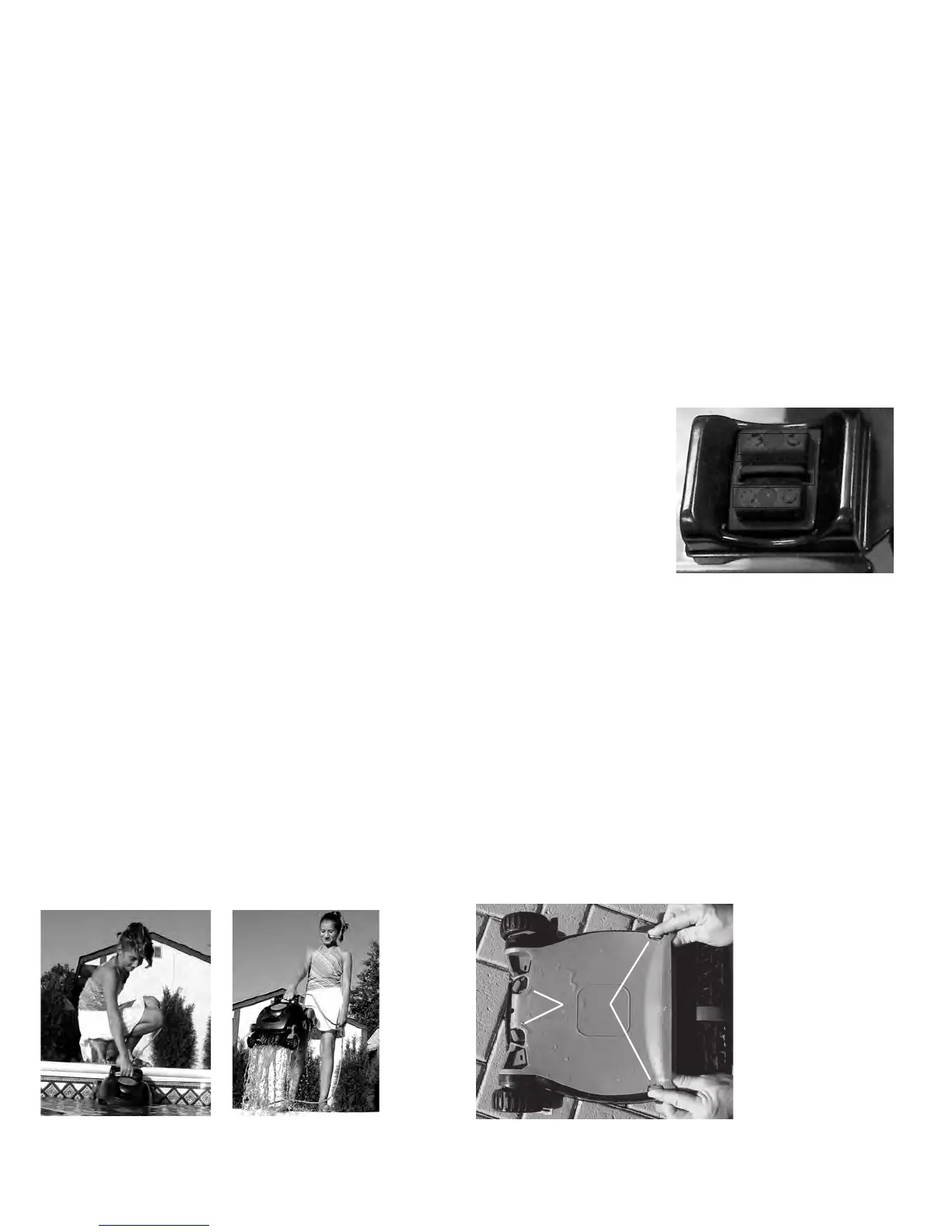
• The Climber has two cleaning cycle options (see switch diagram):
- Push the power switch up toward the handle to start the 1-hour "Fast-Track" cycle. A green LED will be lit.
- Push the power switch down away from the handle to start the 3-hour cycle. A red LED will be lit.
• The cleaner will begin its cleaning program.
• The cleaner will automatically shut itself down after the selected cycle is completed.
• To turn the unit off press the small OFF switch in the middle of the switch. The LED will turn off.
• If a second cleaning is required or the unit is accidentally shut off, you should wait 30 seconds before switching the unit on again.
IMPORTANT NOTE: During normal operation, the cleaner will appear to shut off for a few seconds, raise the front wheels off the
pool bottom and move either left or right or turn for an undetermined amount of time. This is normal and has been preprogrammed
into the unit to assure the quickest and most efficient cleaning of your pool. It will climb the walls, and occasionally break the
surface. In the process of climbing the unit may stay on the surface and continue to operate from several seconds to a few minutes.
This is normal and the cleaner will eventually make its way to the bottom to continue its cleaning. Since most of the dirt is
concentrated on the floor of the pool, the cleaner will spend the majority of its time on the floor.
REMOVING THE CLEANER FROM THE POOL
• Slowly pull the blue cord to get the cleaner to the pool surface and near the edge of the
pool. DO NOT PULL THE CLEANER OUT OF THE POOL BY THE CORD.
• Reach down and grasp the handle of the cleaner and remove it from the
pool as shown in Figures 1 and 2.
CLEANING THE FILTER BAG (Filter Bag Should Be Cleaned After Every Use.)
• Turn cleaner upside down and place on ground so the bottom lid is exposed.
• Turn red locking pegs (by wheel area) to the unlocked position as shown in Fig 3. Next
press the two red locking clips near the roller brush in towards the center of the unit.
Lift the bottom lid out.


 To Next Page
 Loading...