w w w . s m a r t p o o l . c o m
12
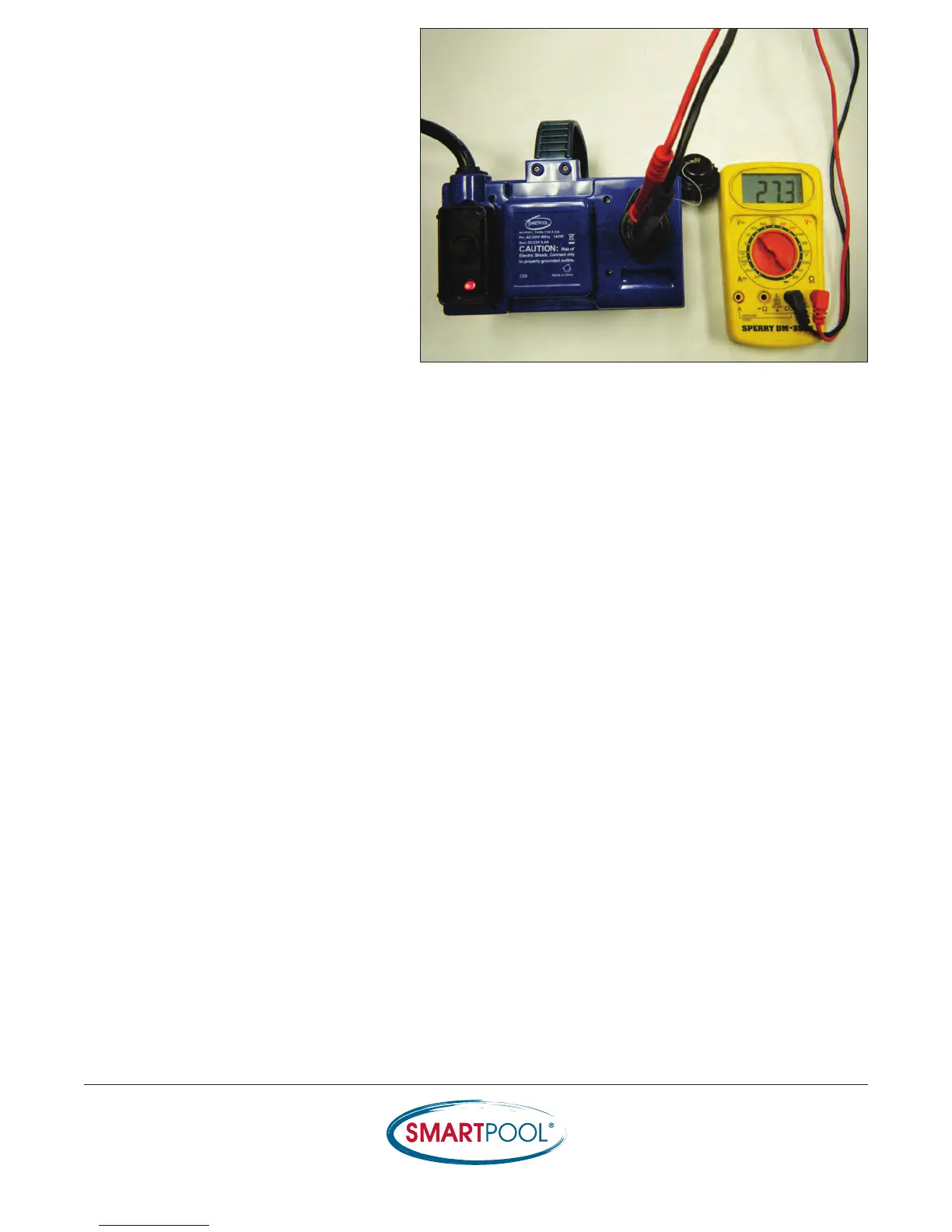
4) Test the voltage through the Power
Supply: Insert the prongs of the voltmeter
into the (2) copper plugs of the Power
Supply socket and turning the unit to the
ON position (29-32Vdc). Picture does not
reflect New Style Power Supply design
but voltage output is the same.
• If Power Supply is found to be defective; replace it with a new Power Supply and perform
another Self Test.
• If Power Supply is found to be OK, proceed with the following steps.
RESULTS


 To Next Page