w w w . s m a r t p o o l . c o m
16
8) Carefully remove the heat shrink covering
the Drive Motor connection.
9) Connect one end of the test cable to the
Drive Motor and the other end to the
Power Supply. Turn the Power Supply to
the ON position.
Important: This is a quick ON/OFF test.
Do Not run the Drive Motors for an
extended period time.
• If the Drive Motor does not turn on or only one side rotates, then proceed to the section entitled:
Replacing the Drive Motor
• If the Drive Motor does turn on, then proceed to the section entitled: Replacing the Pump Motor
RESULTS
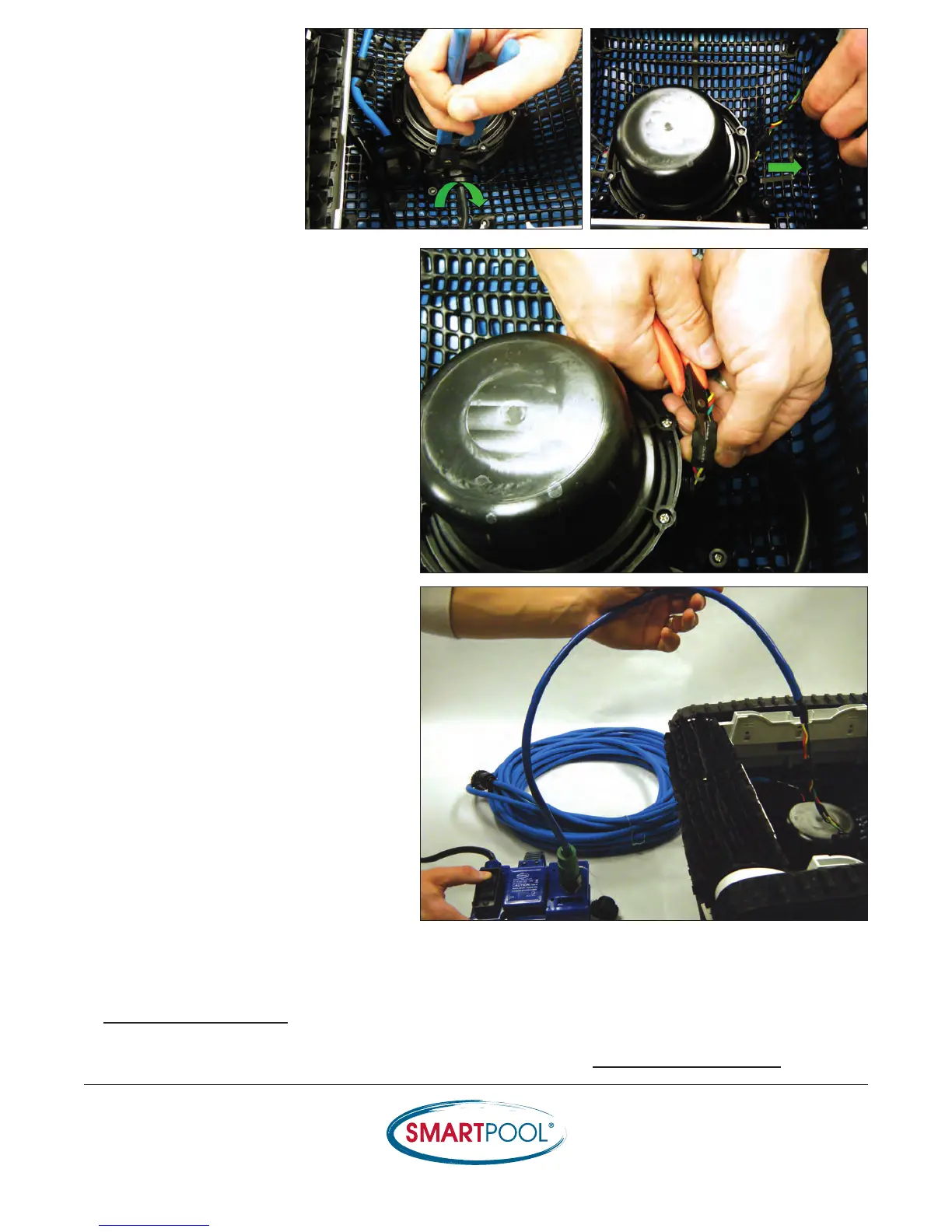
7) Loosen the pressure
fitting to the Drive Motor
and gently pull on the
wires to expose the
connection.


 To Next Page