17
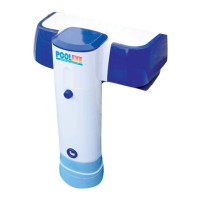
The remote receiver has a built in channel select switch located inside the
receiver box. Loosen the four screws and remove the battery door. You
can find a slide switch at the corner marked A and B. Push the switch
handle from position A to position B. Make sure you do the same
channel adjust on all your devices, including the pool side alarm
transmitter. Check the RF link periodically to ensure good RF
transmission.
RECEIVER CHANNEL A/B SELECT
You can select either one of the following 4 languages: English, Spanish,
German and French.
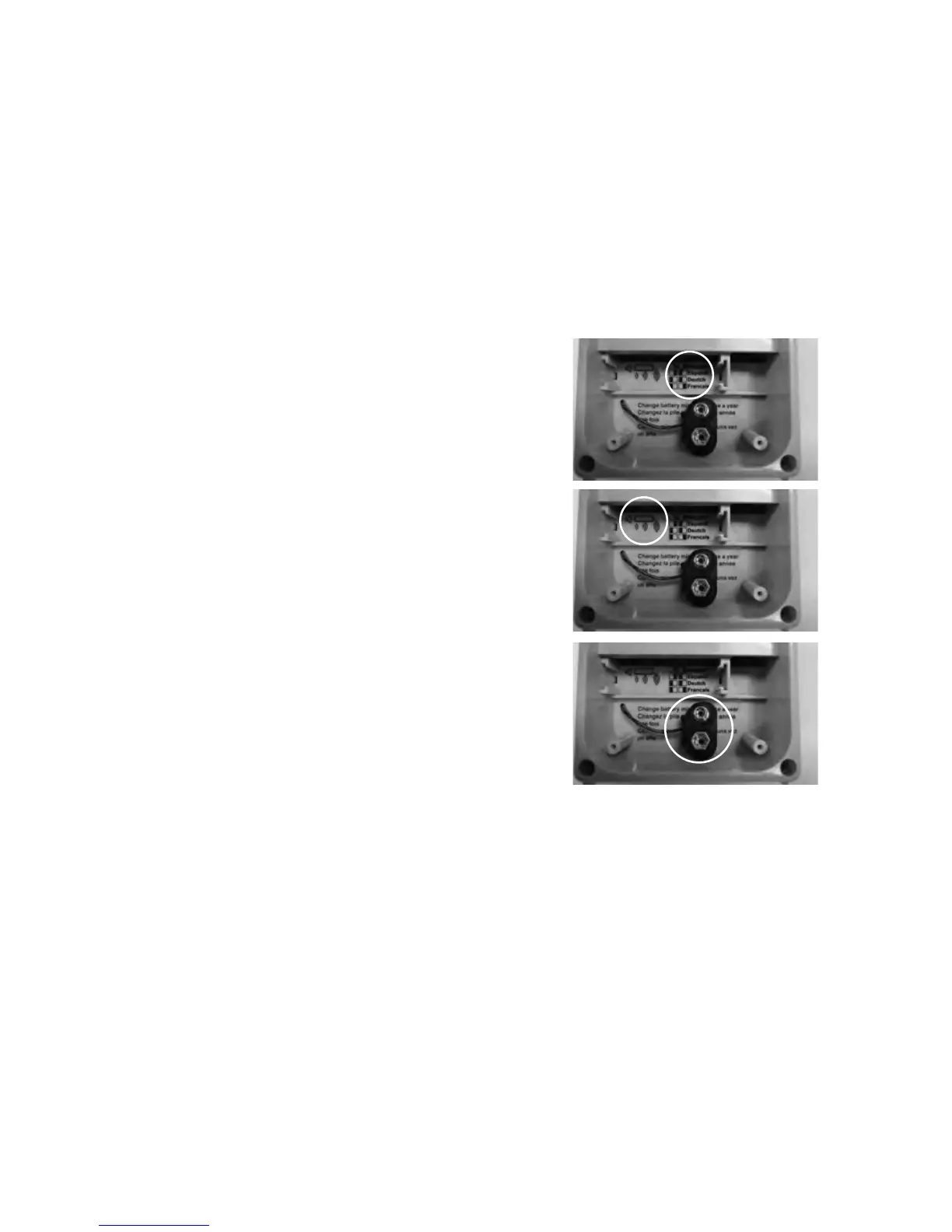
The language selection switches are located inside the receiver box. Slide
the switches as shown to select the language.
LANGUAGE SELECT
You can adjust the loudness of the receiver speaker. The volume switch is
located inside the receiver box.
SPEAKER VOLUME
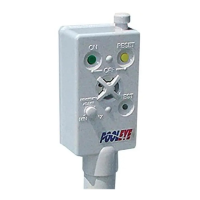
The receiver unit is designed to use a regular alkaline 9V battery as back
up power source. To install this back up battery, remove the 4 screws and
open the battery door. Change the battery a minimum of once a year.
BACK UP POWER



 To Next Page