14.TROUBLESHOOTING
If Calibration Error please try to restart the tester and do follow the “CALIBRATION PROCEDURES”
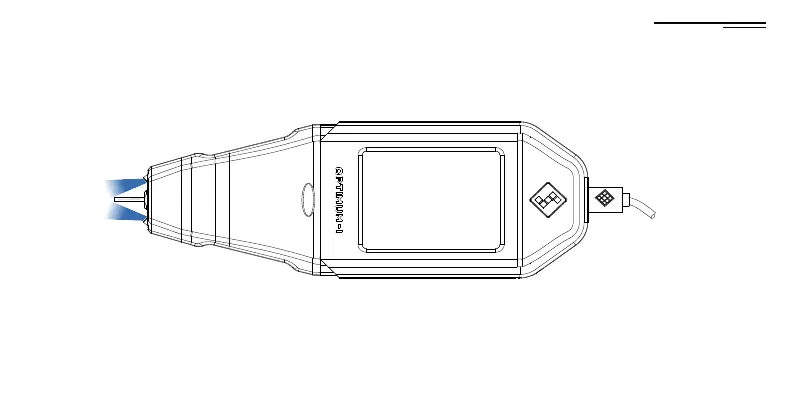
If the device has no power, check the USB cable is properly connected.
If using the Power bank, check the battery level. If empty,
charge it before using it.
Calibration Error!
Please restart the tester.
Code:A609C1555C0583
14.TROUBLESHOOTING
46



 To Previous Page