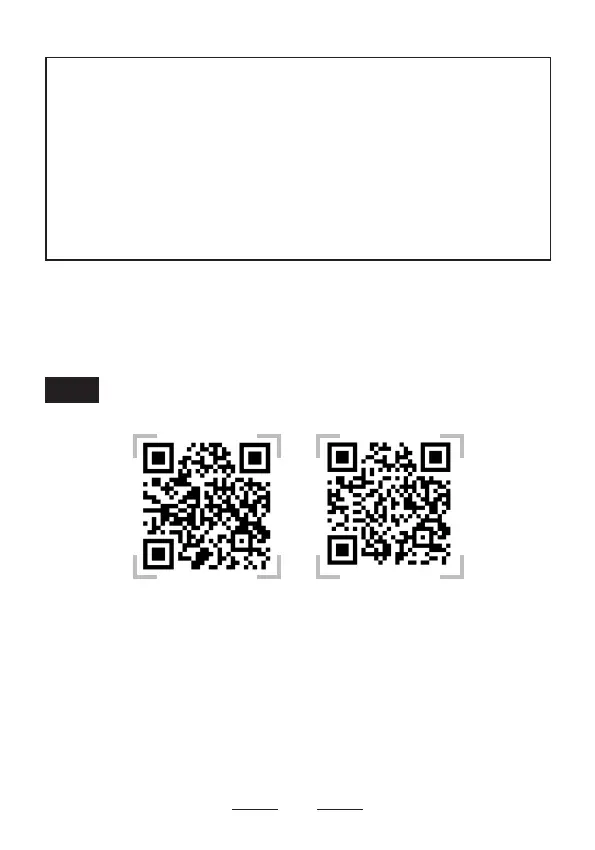
Watch the Setup Video
Android Iphone
Scan the QR codes above or search the keywords “SMARTRO ST55
Android” and “SMARTRO ST55 iphone” on YouTube to get the device
pairing videos.
22
NOTE:
1. Please manually power off this thermometer after using it.
2. When measuring temperature is between 572°F and 716°F
(300°C-380°C), the thermometer temperature displays "HH", which
indicates that the probe temperature exceeds the measurement range.
At this time, the probe is not damaged and can be used next time.
3. Make sure do not expose the probe to objects with high temperature
over 716°F, otherwise it will be damaged.
4. DO NOT put the probes directly into the ames.


 To Next Page