6
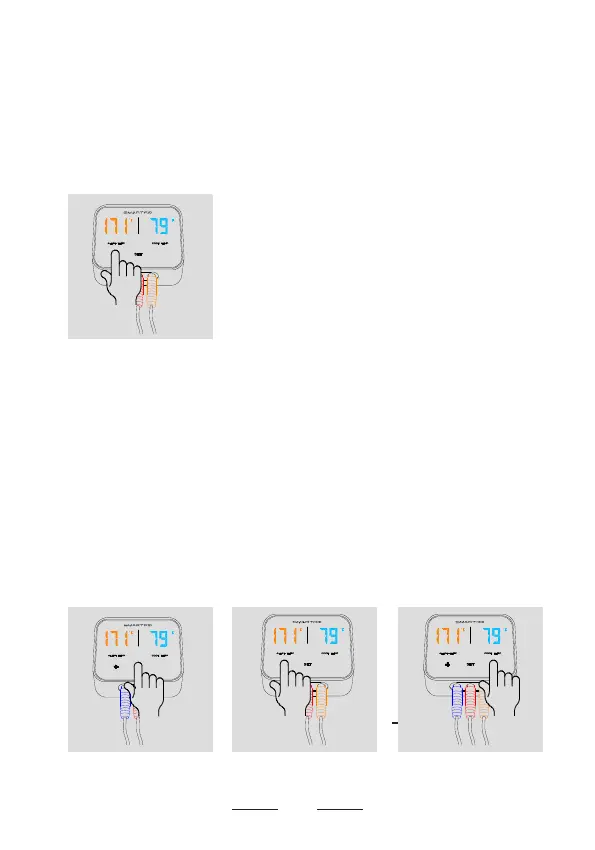
● Short press
[+]
button to choose the measurement
channel you want to set. There are 3 measurement
channels which display 1 2 3 on the LED screen, as
shown in Figure (e).
● When the measurement channel is confirmed, short
press
SET
button to enter alarm temperature setting
state. Short press
[+]
button to increase the alarm
parameters. Short press
[-]
button to decrease alarm
parameters. And then press
SET
button to confirm the
setting as shown in Figure (f), Figure (g) and Figure (h).
(e)
2
_
(f)
2
_
(g)
2
_
5
(h)
2


 To Next Page