EasyManua.ls Logo

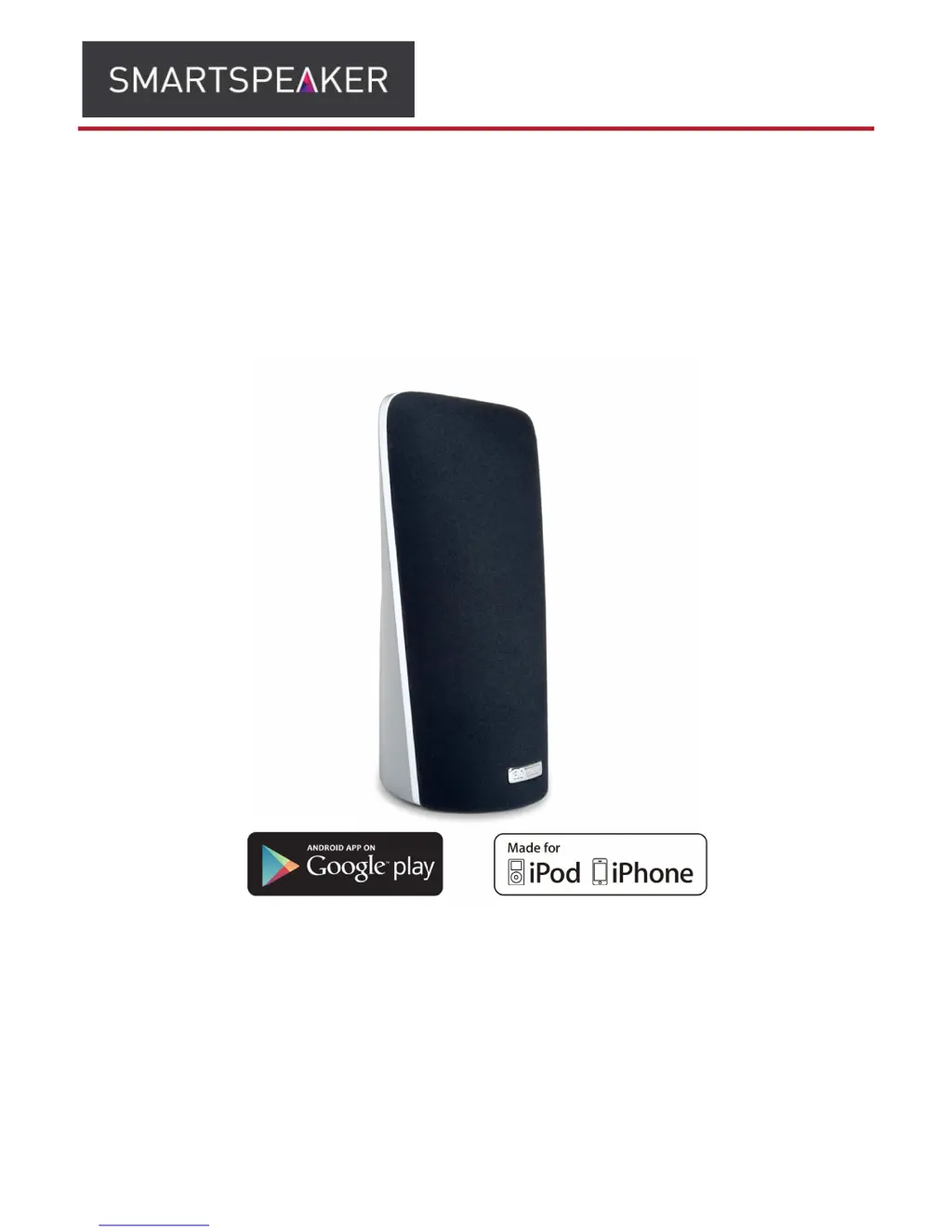
Smartspeaker A1 - User Manual

Smartspeaker A1
15 pages
Print Icon
To Next Page IconTo Next Page
Loading...
OWNER’S MANUAL
The SmartSpeaker
The Portable Wireless SmartSpeaker (A1)
The Wireless SmartSpeaker (A2)

Questions and Answers

Summary

Getting to Know Your SmartSpeaker

Speaker Controls and Modes

Explains the speaker's buttons, mute function, and how to cycle through different operating modes.

Setting Up CONNECTED Mode for iOS Devices

Wi-Fi Sharing Setup Procedure

Guides users through setting up the speaker using Wi-Fi Sharing via an iOS Device.

Connect App Setup Procedure

Explains how to use the 'Connect' app on iOS devices for speaker setup and configuration.

Setting Up CONNECTED Mode for Any Device

Manual Wireless Setup

Details the manual setup process for connecting the speaker to a wireless network from any device.

Setting Up Wi-Fi DIRECT Mode

Wi-Fi DIRECT Connection Process

Explains how to connect to the speaker in Wi-Fi DIRECT mode without a password.

Using Multiple SmartSpeakers

Firmware Upgrade Procedure

Downloading and Installing Firmware Updates

Guides users through the process of downloading and updating the speaker's firmware.

Troubleshooting Guide

Connection Issues with Setup Option 3

Provides solutions for common problems encountered during wireless setup.

System Reset and General Problem Solving

Performing a System Reset

Instructions on how to perform a factory reset on the SmartSpeaker.

Smartspeaker A1 Specifications

General IconGeneral
BrandSmartspeaker
ModelA1
CategorySpeakers
LanguageEnglish