Introduction
The SmartSpeaker is a totally wireless and totally portable audio system - it can play your audio and media anywhere around
the house and garden direct from your iOS Device or iTunes using your existing Wi-Fi network.
The SmartSpeaker works with Apple’s AirPlay technology. It is able to wirelessly stream music from iTunes 10 on your Mac or
PC, or from an iOS Device with iOS 4.2 or later.
Throughout this manual, when you see the term “iOS Device”, it refers to any iPod, iPhone or iPad which is running Apple
Operating System iOS 4.2 or later.
The SmartSpeaker
works with Android smartphones and tablets using selected Apps available in the Google Play store.
You can also use the Play To feature available in Windows Media Player on Windows 7, to stream music to the SmartSpeaker.
With its leading edge and patented ultra-efficient high powered digital amplifier, the SmartSpeaker is able to deliver superb
high quality sound from a 24W unit, giving up to 20 hours before recharge* when using the AUX IN connection, and over 10
hours* in CONNECTED Mode. To conserve power when running on battery, the Prortable Wireless SmartSpeaker (A1)
automatically powers down after 10 minutes of inactivity when in CONNECTED Mode. If you want to leave the speaker
connected to the mains and switched on for long periods of time you can, it will power down after 1 week of inactivity.
With more than one SmartSpeaker, you can build a stereo pair by setting individual speakers to be a left or right speaker, or
even set up an entire multi-room sound system.
WARNING: The USB Update port is designed to allow connection of an Apple iOS device
for Network Setup only. DO NOT connect it to a computer or any other USB device, as
damage may occur
.
Important Note: Turn off the unit before inserting or unplugging audio cables from a
source device’s headphone or line-level output jacks. Doing so will prolong the life of
your unit, help protect your device from static electricity and prevent potential damage.
Unpacking and Charging your SmartSpeaker
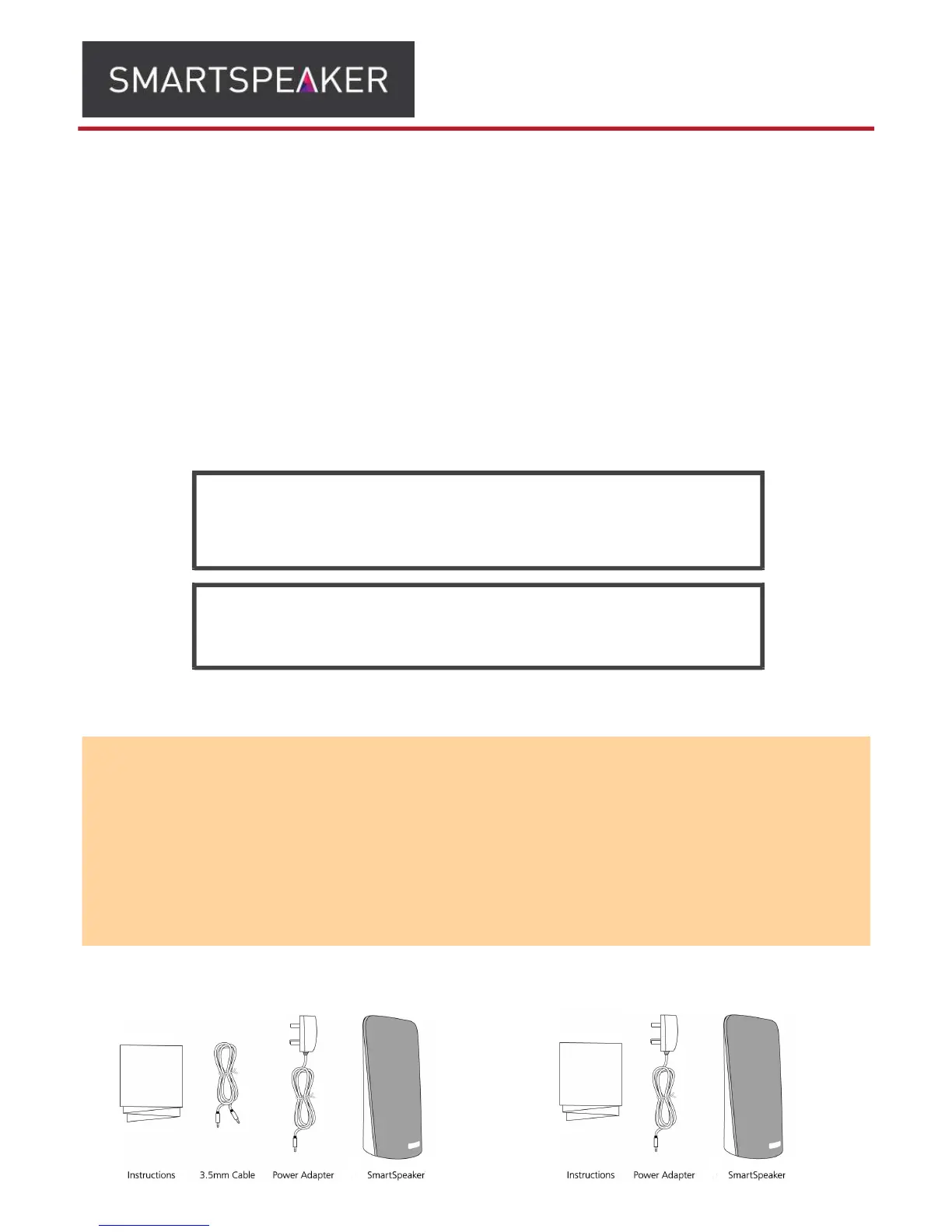
Carefully unpack your SmartSpeaker and confirm that all the items shown below are included.
Please charge the speaker before using it for the first time.
The Speaker incorporates a Lithium-polymer battery. It is not required that you let the battery run down fully between each
charging cycle, however it is recommended to occasionally allow the speaker to run until it switches off occasionally; this will
help maintain the accuracy of the battery management circuit and get the best out of the available battery capacity.
Due to the way Lithium batteries store power, leaving the battery fully charged for long periods of time is likely to reduce the
working life of the battery. If you are not going to use the speaker for a while and the battery has just been charged, it is a
good idea to run the speaker for a few hours before packing the speaker away, but do not store the speaker for long periods of
time with a totally flat battery, as it may fail to recharge correctly.
Please note that if you intend to run the speaker permanently connected to the mains power, it is not possible to over-charge
the battery, but the management circuit will ensure that the battery is always fully charged, and the working life of the battery is
likely to be reduced as a result.
The socket-outlet shall be installed near the equipment and shall be easily accessible.
The Portable Wireless SmartSpeaker (A1) The Wireless SmartSpeaker (A2)
*SmartSpeaker (A1) Only


 To Next Page
 Loading...