W
INDOWS
98/M
E
D
RIVER
I
NSTALLATION
9
2. Click Next.
3. Check “Specify a location” and type E:\Drivers (assuming E: is the
location of your CD drive.) Insert the CD into the CD drive and click
Next.
4. Click Next to copy files from the CD. Windows 98 may ask you for the
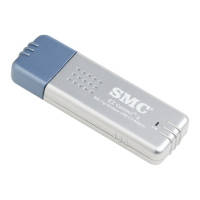
Windows 98 CD. If so, remove the EZ Connect Wireless USB adapter
CD, insert the Windows 98 CD and click OK.


 To Next Page
 Loading...