27
C
ONFIGURATION
AND
D
IAGNOSTICS
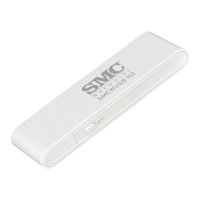
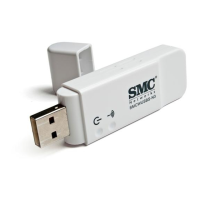
For Windows 98, Me, and 2000, SMC’s EZ Connect Wireless USB
Adapter provides optional management software for quick network
configuration and easy diagnostics.
For Windows XP, use the built-in wirelesss configuration tool (Go to
“Using the Windows XP Configuration Tool” on page 35.)
Installing the Utility in Windows 98, Me, and
2000
To install the utility software:
1. Insert the CD-ROM into your PC’s CD drive.
2. Click Start/Run...
3. Type E:\Utility\Setup.exe (assuming your CD drive is E:) and click OK.
4. Follow the on-screen instructions to finish the installation.



 To Next Page
 Loading...