D
RIVER
I
NSTALLATION
26
5. Type E:\Drivers\xp (assuming your CD drive is E:) and click OK.
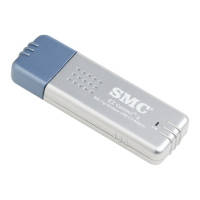
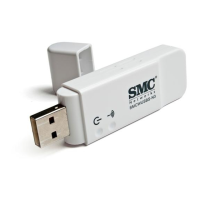
Windows XP will find the SMC2664W EZ Connect Wireless USB
Adapter. Click Next.
6. Though the software is fully compatible with Windows XP, it has not
yet been Logo tested by Microsoft. On the Hardware Installation
screen click Continue Anyway.
7. After the software has been installed, click Finish to complete the
driver installation.


 To Next Page
 Loading...