C
ONFIGURATION
AND
D
IAGNOSTICS
36
3. Click Properties. The Wireless Network Connection Properties box will
open. Click the Wireless Networks tab.
4. In the lower section of the screen, click Learn about setting up wireless
network configuration and complete the wireless configuration according
to the Help and Support Center instructions.
Advanced Settings
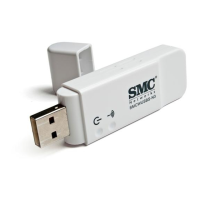
Click the “General” tab (see the screen above). In the “Connect using”
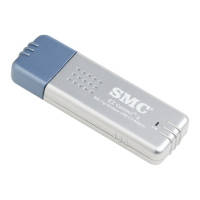
field, make sure that the adapter shown is the SMC2664W EZ Connect
Wireless USB Adapter.


 To Next Page
 Loading...