SMCWUSB-G Utility
26
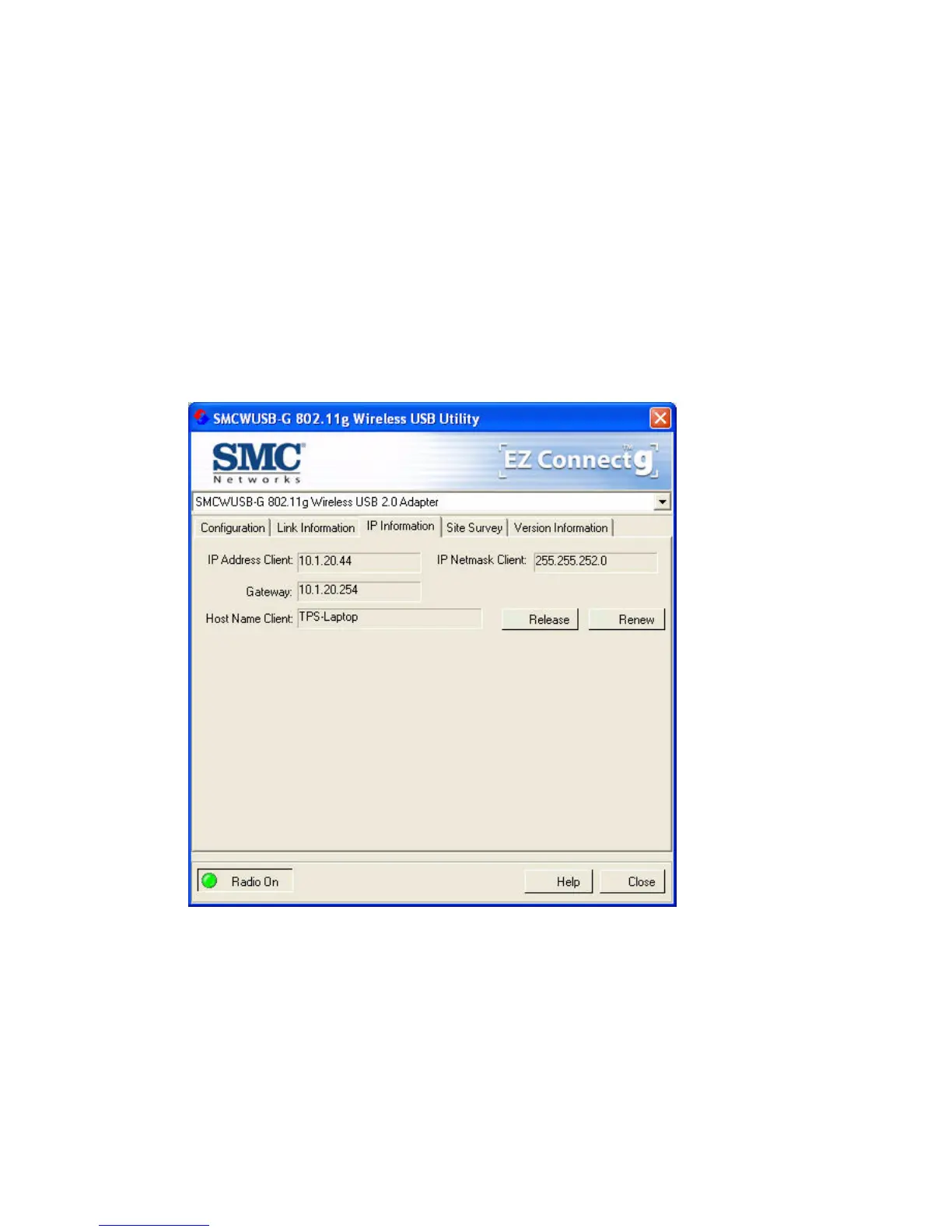
IP Information
This screen displays IP Information for your computer. Now that
you have configured your adapter to connect to a wireless
network, your adapter needs to obtain new network settings. By
releasing old IP settings and renewing them with settings from
the access point, you will also verify that you have configured
your adapter correctly. To release network settings click on
Release, then click on Renew to get new IP settings.


 To Next Page
 Loading...