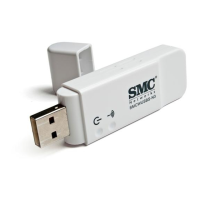
SMCWUSB-G Utility
28
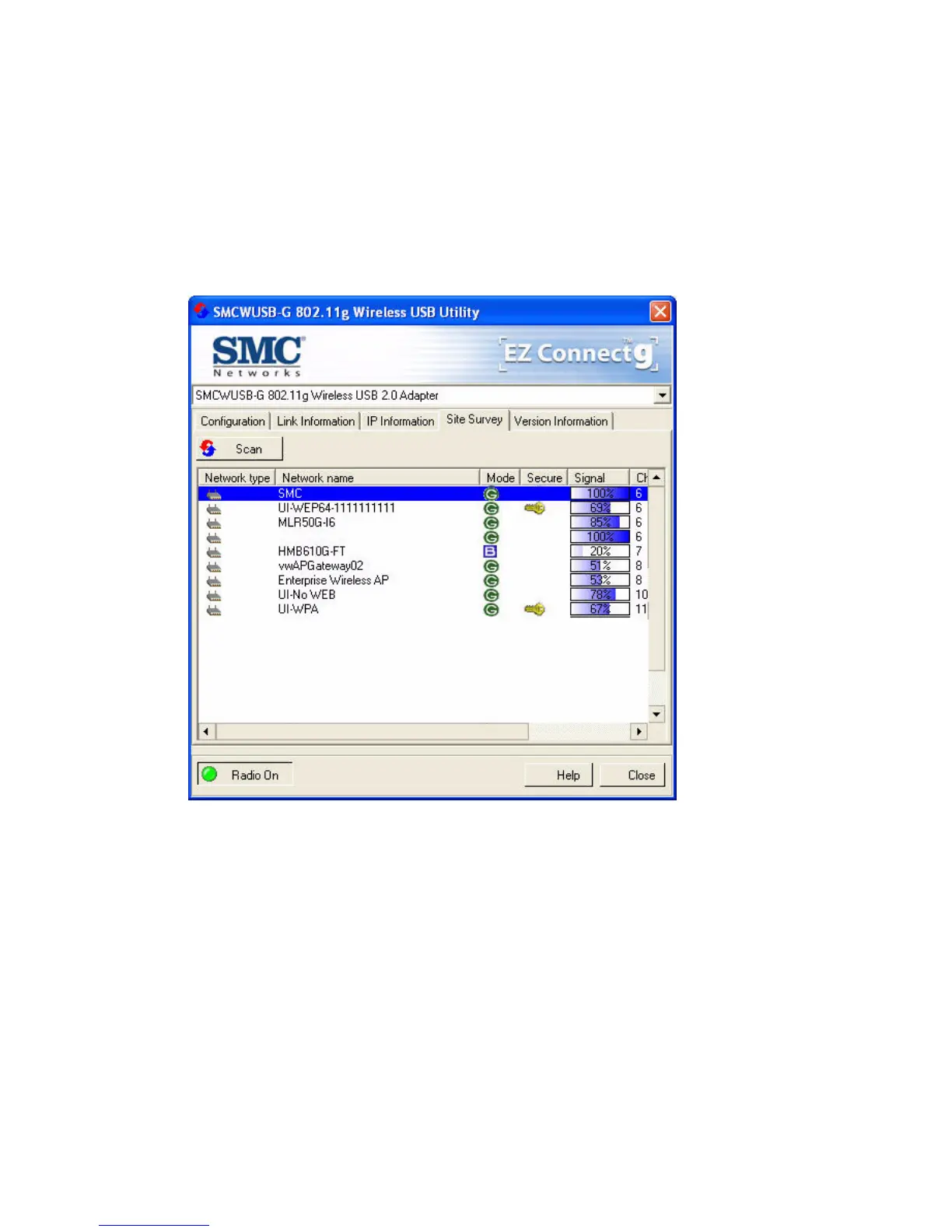
Site Survey
Site Survey scans and displays all wireless devices within range.
You can choose one of them to connect to by double-clicking on
an entry.
Scan – Click this button to scan for available network
connections.
Network name – Service Set ID. (See “Configuration” on page
16 for details.)
Mode - Shows the wireless connection mode, whether it’s
802.11b or 802.11g.
Secure - This shows security mechnism has been enabled. A key
icon indicates the encryption function is enabled.


 To Next Page
 Loading...