25
EN
What to do if...
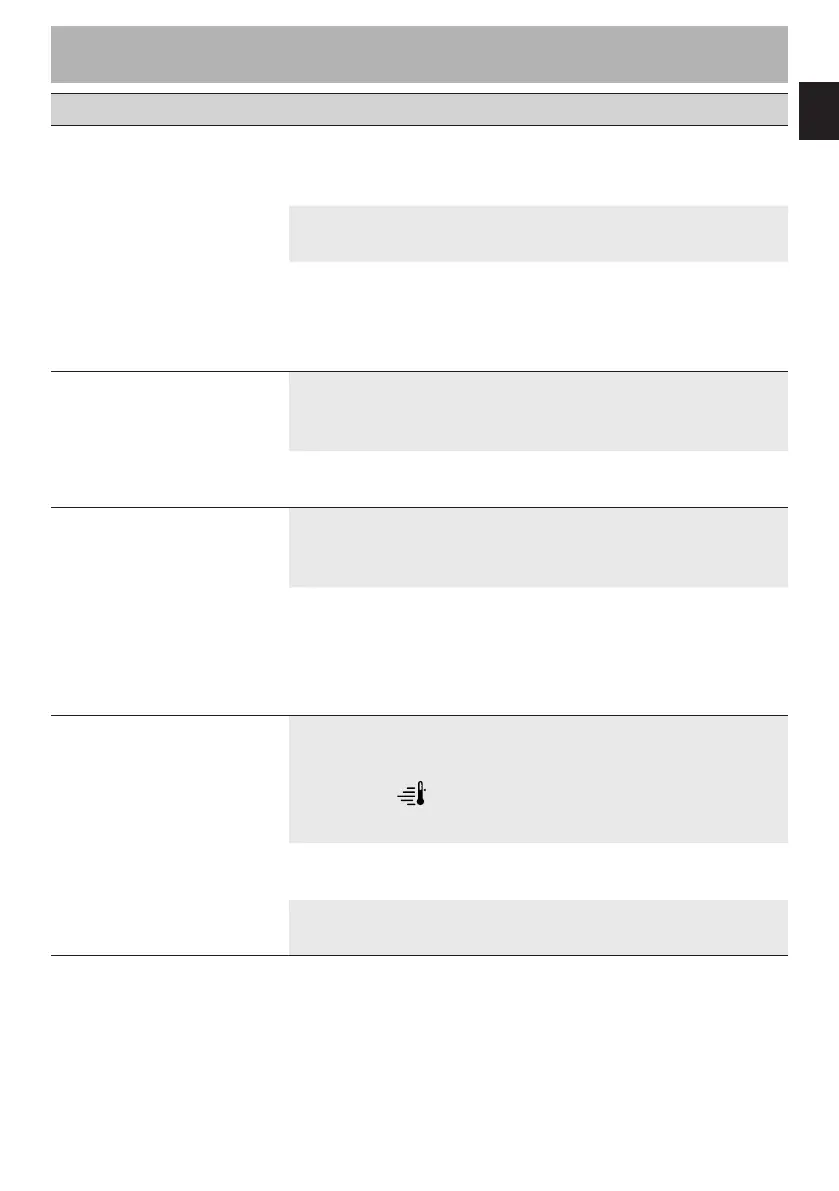
Problem Possible cause Solution
The oven does not switch
on.
The plug has not been
properly inserted into the
power socket.
Make sure the plug has been
inserted properly into the
power socket.
The cable is defective.
Contact your local technical
support centre.
No power.
Make sure that the power
supply is working properly.
If the problem persists, contact
a qualified electrician.
The display does not turn
on.
The plug has not been
properly inserted into the
power socket.
Make sure the plug has been
inserted properly into the
power socket.
Possible electronic board
failure.
Contact your local technical
support centre.
The oven light does not
switch on.
The plug has not been
properly inserted into the
power socket.
Make sure the plug has been
inserted properly into the
power socket.
Possible bulb or oven door
sensor failure.
Replace the oven light
bulb (see “4 Cleaning and
maintenance”). If the problem
persists, contact your local
technical support centre.
Cooking does not start.
Failure to confirm after
preheating ( lit).
Make sure that you confirm
the cooking phase when the
preheating stage ends (see
“3.2 Using the oven (Fig. B -
Fig. C)”).
The oven door is not
closed.
Make sure that the oven door
is closed.
Possible oven door sensor
failure.
Contact your local technical
support centre.



 To Next Page