User instructions
DELAYING THE PROGRAM
(available in all programs except the soak program)
The
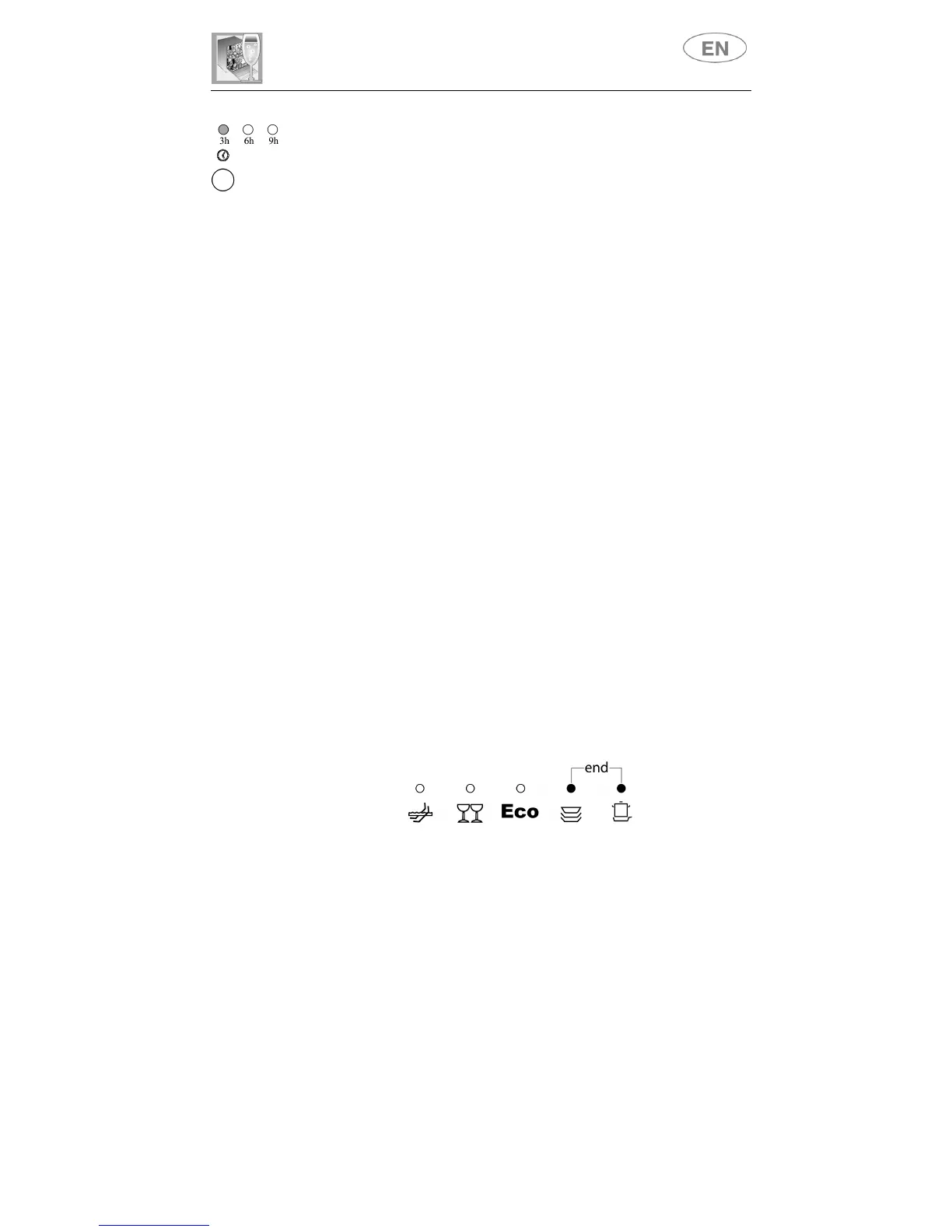
PROGRAM DELAY
button
(5)
can be pressed to delay the start of
the washing program by
3
,
6
or
9 hours.
This function allows you to set
the dishwasher to work at your preferred time of day.
After selecting the delay, start the program (see relative section).
The appliance will prewash the dishes, after which the "program delay" set
previously will come into effect (light
(6)
indicating the time left before the
start of the program and light
(4)
indicating the program set
flash
).
If you wish to
reset or change the delay
once the program has started,
proceed as follows:
•
press the
START/PAUSE
button
(2)
for a few seconds, until the
PROGRAM DELAY
light
(6)
and the light
(4)
of the program set stop
flashing and remain constantly
on
;
•
press the
PROGRAM DELAY
button
(5)
to change or annul the
delay set (lights 3, 6 and 9 off);
•
press the
START/PAUSE
button
(2)
to start the program. If a delay
has been set, the
PROGRAM DELAY
light
(6)
and the light
(4)
of
the set program start to
flash
; if the program delay has been
annulled,
only
the program light
(4)
will flash to indicate the start of
the program.
To set the delay
once the program has started
, proceed as follows.
If the program you wish to carry out is the same as the one already
in progress:
•
press the
START/PAUSE
button
(2)
for a few seconds, until the
program
lights 4
and
5
(marked "end") come on;
•
annul the program in progress (see relative section) and wait for the
cycle to come to an end;
•
select the program again;
•
select the delay required;
•
press the
START/PAUSE
button
(2)
to start the new program.



 To Next Page