25 / 68 EN
Dryer / User Manual
Operating the product
Press End Time button to set the desired time delay.
• Press Start/Pause button. Time Delaying starts
countdown and the time delaying symbol lights
up on the display. The “:” in the middle of the
displayed delay time will flash.
• Additional laundry may be loaded / taken out
during the End Time period. At the end of the
End Time countdown process, End Time symbol
disappears, drying process starts and the
programme duration is displayed.
C
If loading door is opened and closed
during the End Time duration, the
programme will switch to pause mode.
End Time function should be resumed
with pressing Start/Pause button.
Changing the End time
If you want to change the time during countdown:
• End Time is deactivated when the dryer is switched
off and on with On/Off/Cancel button. Restart the
dryer and repeat the End Time procedure for the
desired time.
• When your dryer is operated for the first time, it
starts with the declaration programme (wardrobe
dryness for cottons).
Canceling End time function
If you want to cancel the End Time countdown and start
the programme immediately:
• End Time is deactivated when the dryer is switched
off and on with On/Off/Cancel button.
• Press Start/Pause button to start the programme
you have previously selected.
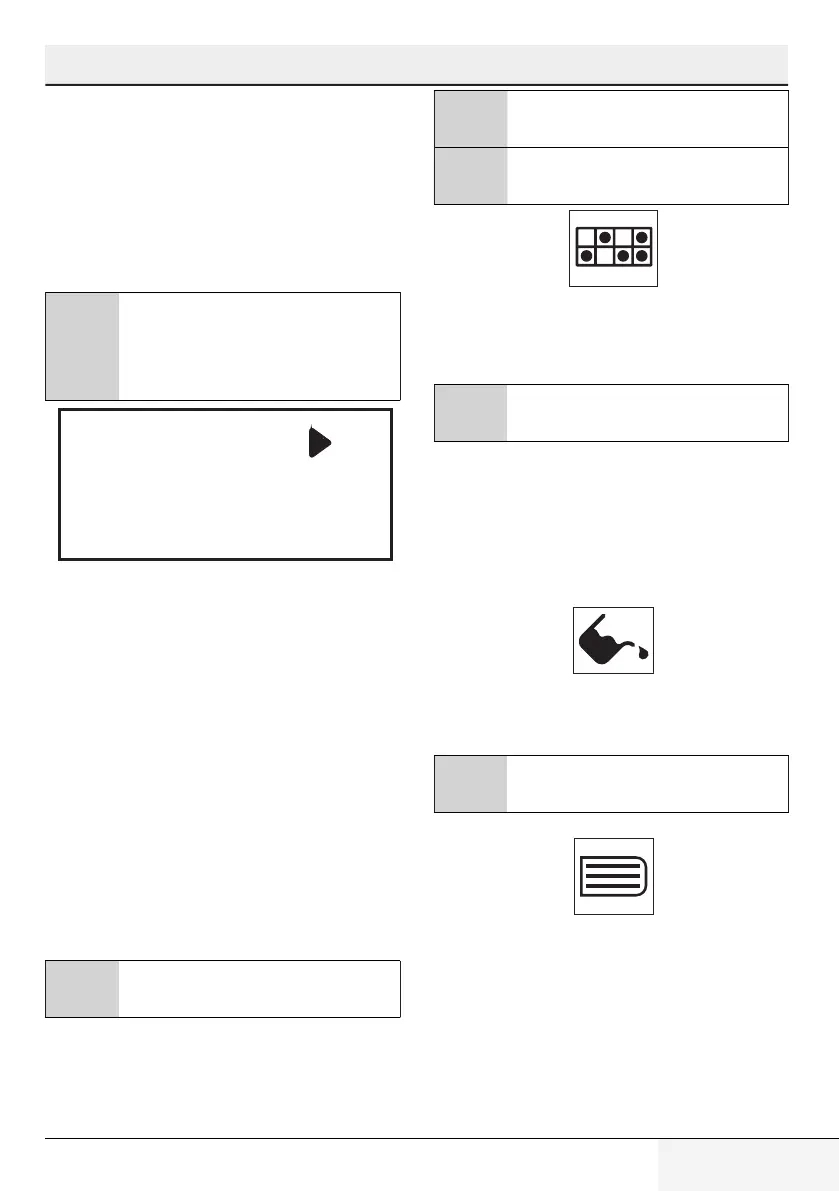
5.13 Warning symbols
C
Warning symbols may differ according to
the model of your machine.
Lint filter cleaning
When the programme is completed, a warning symbol
will appear continously indicating that the filter needs to
be cleaned.
C
For detailed information, see 6
Maintenance and cleaning.
C
If the filter cleaning symbol flashes
continuously, see 7 Troubleshooting.
Draining the water tank
When the programme is completed, a warning symbol
will appear continously to remind that the water tank
needs to be drained.
C
For detailed information, see 6
Maintenance and cleaning.
If the water tank becomes full while the programme is
running, the warning symbol will start to flash and the
dryer will pause. Drain the water in the water tank and
press Start / Pause button to resume the programme.
The warning symbol turns off and the programme
resumes operating.
Cleaning the filter drawer
Warning symbol flashes to remind that the filter drawer
needs to be cleaned.
C
For detailed information, see 6
Maintenance and cleaning.
Loading door open
This warning symbol Pause appears and programme
progress symbol flashes when the loading door of the
dryer is open.



 To Next Page