26 / 68 EN
Dryer / User Manual
Operating the product
5.14 Starting the programme
Press the Start/Pause button to start the program.
Start symbol will light up to indicate that the
programme has started and “:” symbol in the middle
of the remaining time will keep flashing. Drying and
programme progress bar will be displayed alternately.
5.15.Progress of programme
5.16 Child Lock
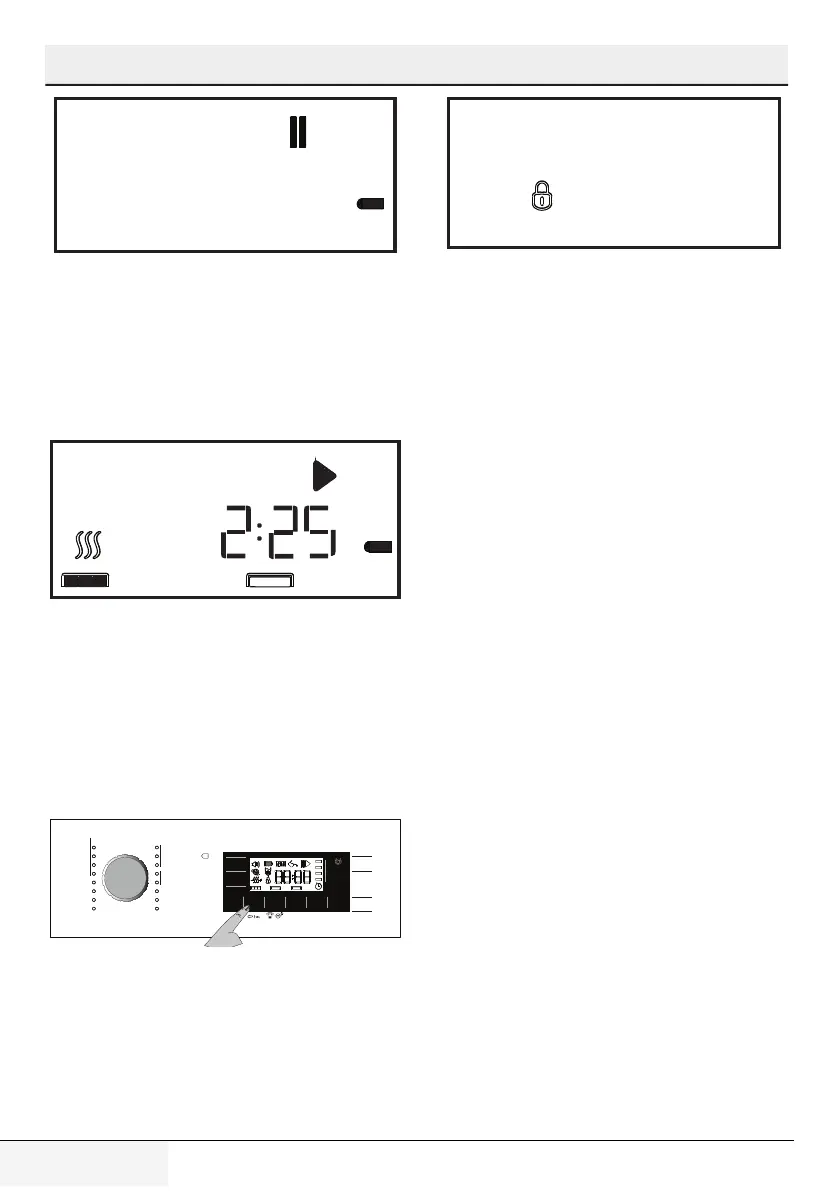
Machine is equipped with a Child Lock which prevents
interfering with the current programme flow by pressing
any button.
To activate the Child Lock:
• Press and hold Childproof Lock button for 3
seconds.
• Child Lock symbol will appear on the display when
the Child Lock is activated.
Business
Programmi Vapore
Cotone Pronto Stiro
Delicati
Quotidiano
Sintetici Pronto Stiro
Cotone Pronto Stiro
Sintetici Pronto Stiro
Baby
Sintetici Asciutto Armadio
Cotone Asciutto Armadio
Piumone
Lana / Asciugatura con Cestello
Cotone Extra Asciutto
Allarme
Asciugatura
Antipiega Preferiti
Fine /
Armadio
Stiro
Asciugatura
On / O
Avvio / Pausa
Sport
Jeans
Camicie
Fine
Programmata
Intensità /
Durata
• All buttons except the On/Off/Cancel and Child
Lock button on the control panel are deactivated
when the Child Lock is active.
• Display symbols will not change even if the position
of Programme Selection knob is changed while the
child lock button is active.
• When the programme selection knob is turned and
function buttons are pressed Child Lock warning
will be displayed.
• To start a new programme after the current
programme is over or to interrupt the current
programme, the Child Lock should be deactivated.
To deactivate the childproof lock:
• Press and hold Child Lock button for 3 seconds.
• Child Lock is deactivated when the dryer is
switched off and on with On/Off/Cancel button.
5.17 Changing the programme after it
has started
• After the dryer starts operation, you can change
the selected programme and dry your laundry in a
different programme.
• Press and hold Start / Pause button for 1 seconds
to pause the programme.
• Select desired programme by turning the
Programme Selection knob.
• Press the Start/Pause button to start the program.
Adding / removing laundry while the dryer is
in operation
• In order to add or take out laundry after the drying
programme has started:
• Press the Start/Pause button to switch the dryer to
Pause mode. Drying process will pause.
• While in Pause mode, open the loading door, add
or take out laundry and close the loading door.
• Press the Start/Pause button to resume the
program.



 To Next Page