Instructions for the user
34
6.14 Secondary menu
The appliance also has a concealed secondary menu allowing the user to:
• Activate or deactivate the child lock mode.
• Activate or deactivate Showroom mode (which
disables all the heating elements so that only the
control panel works).
• Activate or deactivate low power mode.
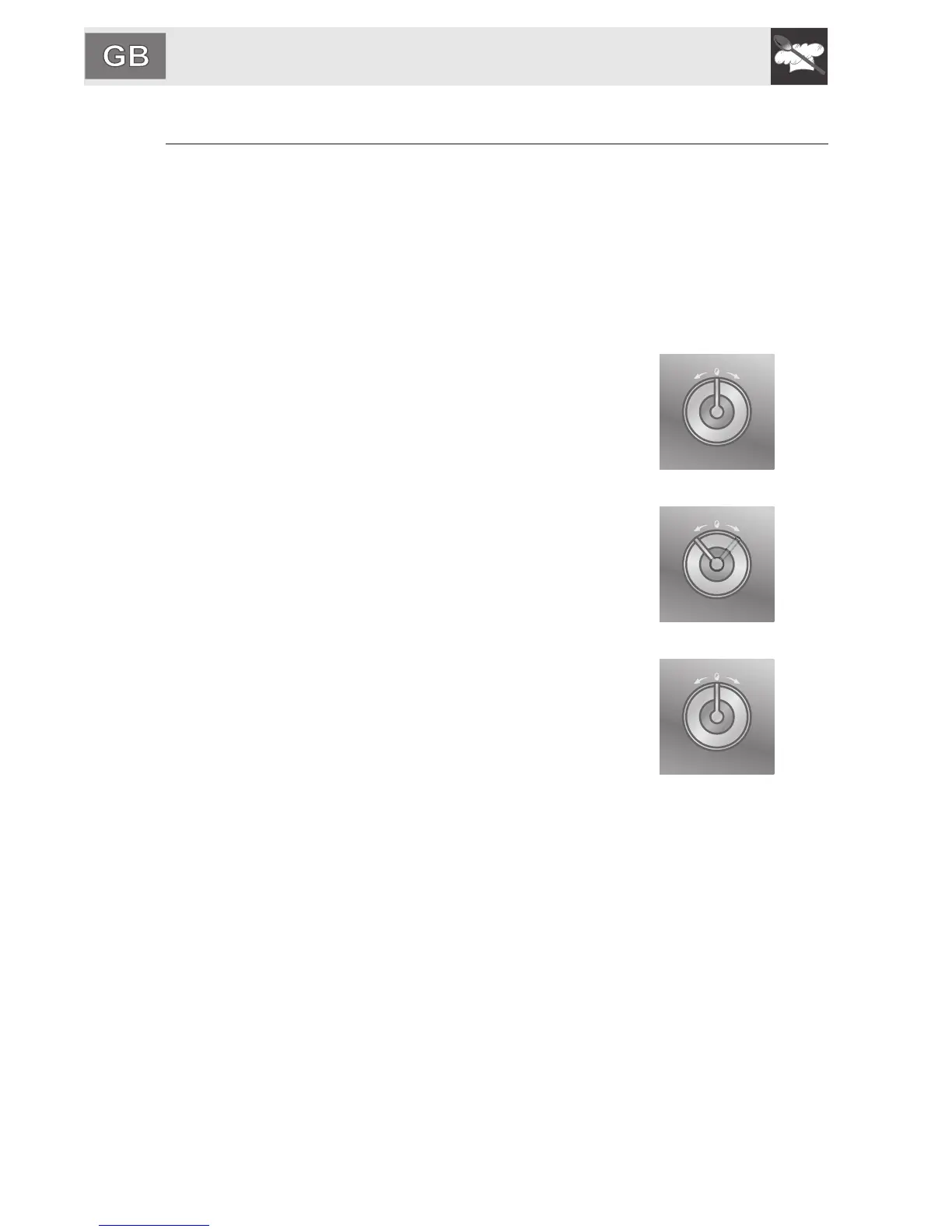
With the appliance in the OFF condition, turn the
knobs on both commands (temperature knob and
ON-OFF knob) to the right at the same time and
keep them turned for at least 5 seconds.
(Temperature knob)
The setting (ON / OFF) can be changed by turning
the temperature selection knob right or left (ON /
OFF or HI / LO).
(Temperature knob)
Press the temperature selection knob to go to the
next setting.
(Temperature knob)






 To Next Page