User instructions
15
3. Product description
3.1 Control panel
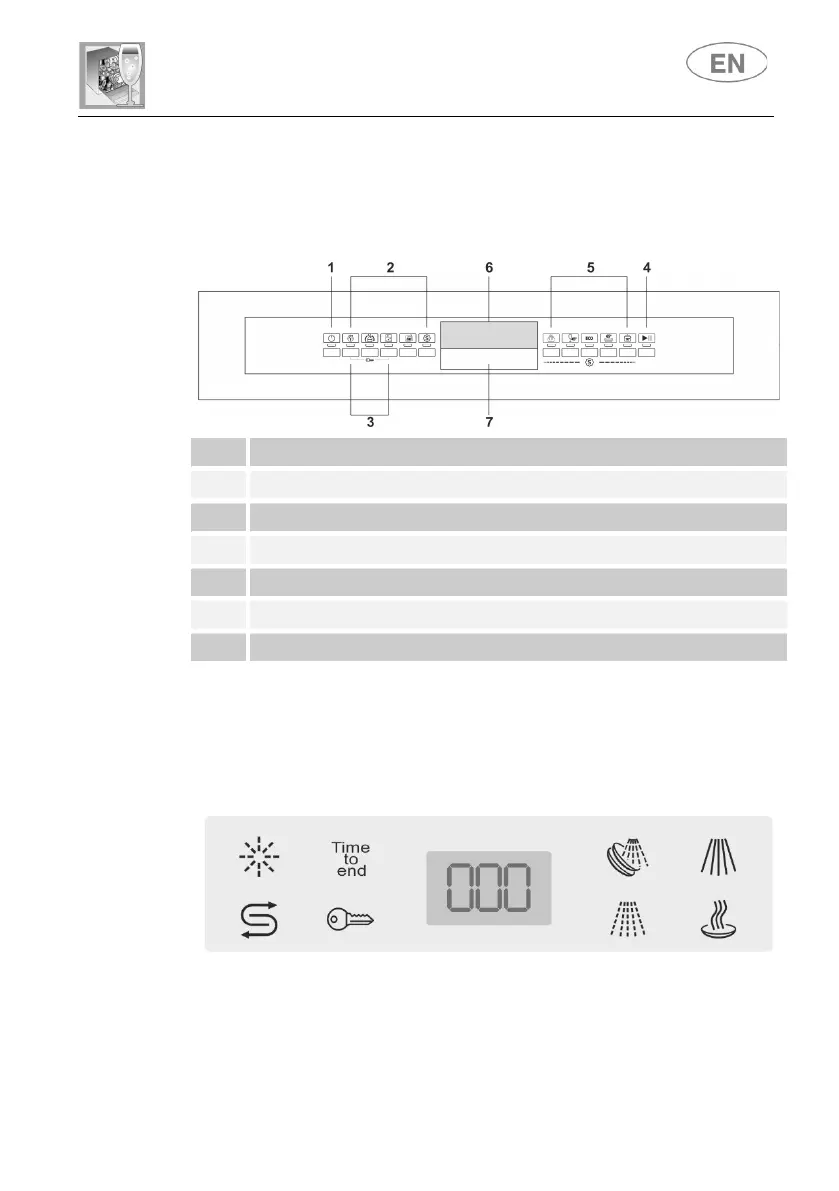
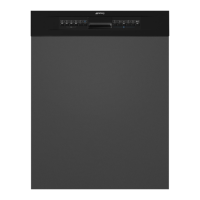
All the dishwasher controls are grouped on the front panel. Programming
and option selection are only possible with the door closed.
1 ON/OFF BUTTON AND WARNING LIGHT
2 OPTION SELECTION BUTTONS AND WARNING LIGHTS
3 “CHILD LOCK” ACTIVATION BUTTONS
4 START/PAUSE BUTTON
5 PROGRAM SELECTION BUTTONS
6 INFORMATION DISPLAY
7 HANDLE TO OPEN THE DOOR
N.B.: symbols and styling are guideline and may vary depending on
the model or version of the dishwasher purchased.
The dishwasher is equipped with a practical DISPLAY which provides
information on the programmed dishwasher functions.


 To Next Page