27
1. Open the door.
• Oven stops operating.
• You can restart the oven by closing the door and touching START/SPEEDY COOK button.
2. Press the STOP/CLEAR button.
• Oven stops operating.
• If you wish to cancel the cooking settings, press the STOP/CLEAR button again.
TO STOP THE OVEN WHILE THE OVEN IS OPERATING
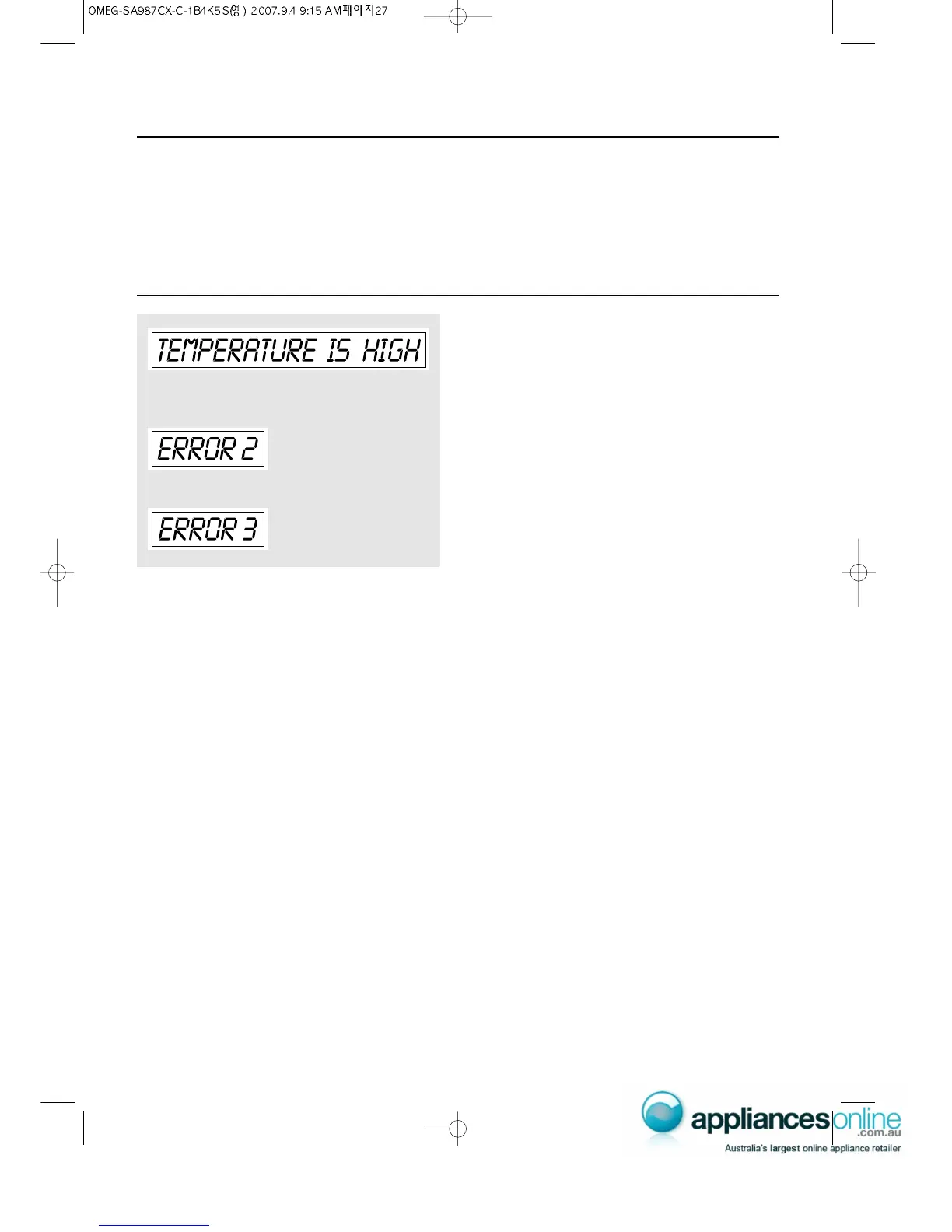
ABNORMAL MESSAGE
• “TEMPERATURE IS HIGH” message will be shown when the
inside temperature of the oven is high before selecting defrost
or 40˚C convection mode.
• To get better cooking result, the oven needs “cooling”.
• If the inside temperature of the oven is higher than expected or
the temperature sensor doesn't work properly, "ERROR 2"
message will be shown in the display.
• Unplug the power and call our technical service.
• When the temperature sensor is disconnected, "ERROR 3"
message will be shown in the display.
• Unplug the power and call our technical service.


 To Next Page