EN
32
de activated and “Indication will
EHOLJKWRႇ
)ODVK&RRNLQJ
(Automatic cook start)
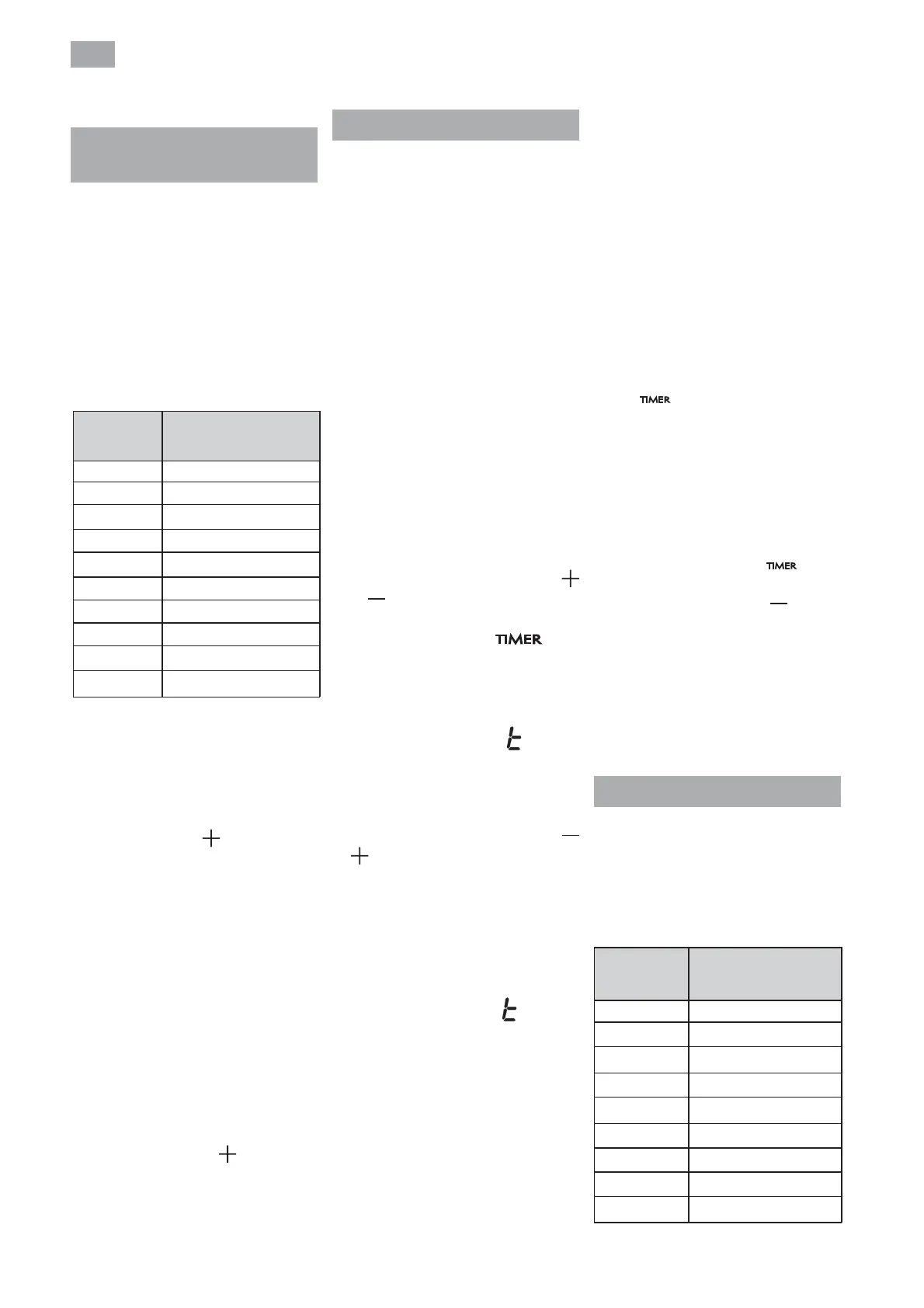
This function facilitates cooking as
you do not need to be present while
it is being done. The touch control
pre-programmes the chosen hot
plate at the maximum power and
subsequently lowers it to the desired
power level (which you have selected)
after an approximate amount of time
(see table 1).
Table 1
-
0
1
2
3
4
5
6
7
8
0
60
180
288
390
510
150
210
270
9
Selected
power
Automatic Cook Start
Function
SWITCHING THE AUTOMATIC
COOK START FUNCTION ON
1 The hot plate must be selected.
2 Select power 9 and then press
power touch key
(5).After using
the touch key you must lower the
continuous cooking power to the
desired level, (for example 6).
When the automatic cook function
VWDUWV $ LQGLFDWLRQ ÀDVKHV ZLWK
desired power level on the display.
SWITCHING THE AUTOMATIC
COOK START FUNCTION OFF
After at least 10 seconds have elapsed
since the beginning of the automatic
cook start function:
1 The hot plate must be selected.
2
Press touch key (5) till the
indicator reaches level 9 and the
automatic cook start function will
be deactivated.
Timer Function
This function makes it easier to cook,
as you do not need to be present
throughout the process: the timed hot
SODWHV ZLOO VZLWFK Rႇ DXWRPDWLFDOO\
after the set time has lapsed. There
is a separate timer for each hot plate,
which allows all of the hot plates to be
timed simultaneously.
With these models you can use the
clock as a timer for the hotplates for
times ranging from 1 to 99 minutes. All
the cooking areas can be programmed
individually and in a simultaneous
manner.
TIMING ONE HOTPLATE
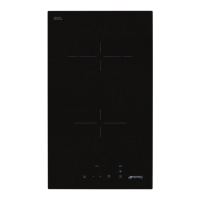
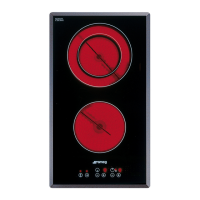
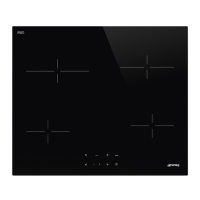
1 The cooking zone to be timed must
be selected.
2 Select a power level for the hotplate
from 1 to 9 using the touch keys
or
(5/4).
3 Press clock touch key
(10).
Timer indicator (11) will display 00.
Depending on the model, the timed
cooking surface indicator (12) will
ÀDVK
On the power indicator (3), ZLOOÀDVK
during the time set.
4 Immediately afterwards, enter a
cooking time between 1 and 99
minutes, by using the touch keys or
(5/4).
When the power indicator (3) stops
ÀDVKLQJLWZLOOVWDUWWRFRXQWGRZQWKH
time automatically. The respective
timed hotplate disolay (11) will continue
ÀDVKLQJ
Or, when the countdown starts, the
relevant power level and
ZLOO ÀDVK
alternately on the power indicator (3)
of the relevant heater area.
When the clock reaches 01, it will
switch from counting down minutes
to seconds.
Once the selected cooking time has
elapsed, the heating zone being timed
LV WXUQHG Rႇ DQG WKH FORFN HPLWV D
series of beeps for several seconds.
The timer indicator will display a
ÀDVKLQJ EHVLGH WKHKRWSODWHWKDW
has been disconnected.
If you wish to time another hotplate at
the same time, repeat steps 3 and 4.
,IWKHKHDWLQJ]RQHWXUQHGRႇLVKRWLWV
indicator displays an H or otherwise an
7RWXUQRႇWKHDXGLEOHVLJQDOWRXFK
any sensor.
CHANGING THE PROGRAMMED
TIME
To change the progrmmed time, you
must press the touch key of the timed
hotplate (2) to select it and then the
clock
(10). You may then read
and change the time.
DISCONNECTION OF THE TIMER
If you want to stop the timer before the
programmed time is up
1 First select the hotplate and then
press clock touch key
(10).
2 Use the touch key
(4) to
recude the time to 00. The clock is
cancelled.
Alternative metod :
After zone selection if timer touch key
is pressed for two seconds, the related
timer will be cancelled.
6DIHW\VZLWFKRႇIXQFWLRQ
If due to an error one or several hot
SODWHVGRQRWVZLWFKRႇWKHDSSOLDQFH
will be automatically disconnected
after a set amount of time (see table 2).
1
2
3
4
5
6
7
8
9
10
Table 2
5
5
4
3
2
2
2
1
Selected
power
level
MAXIMUM OPERATION
TIME
(in hours)


 To Next Page