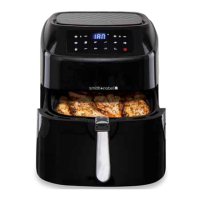
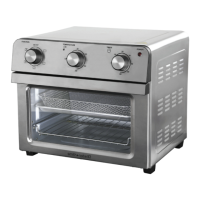
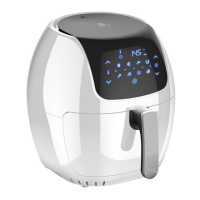
USING THE CONTROL PANEL
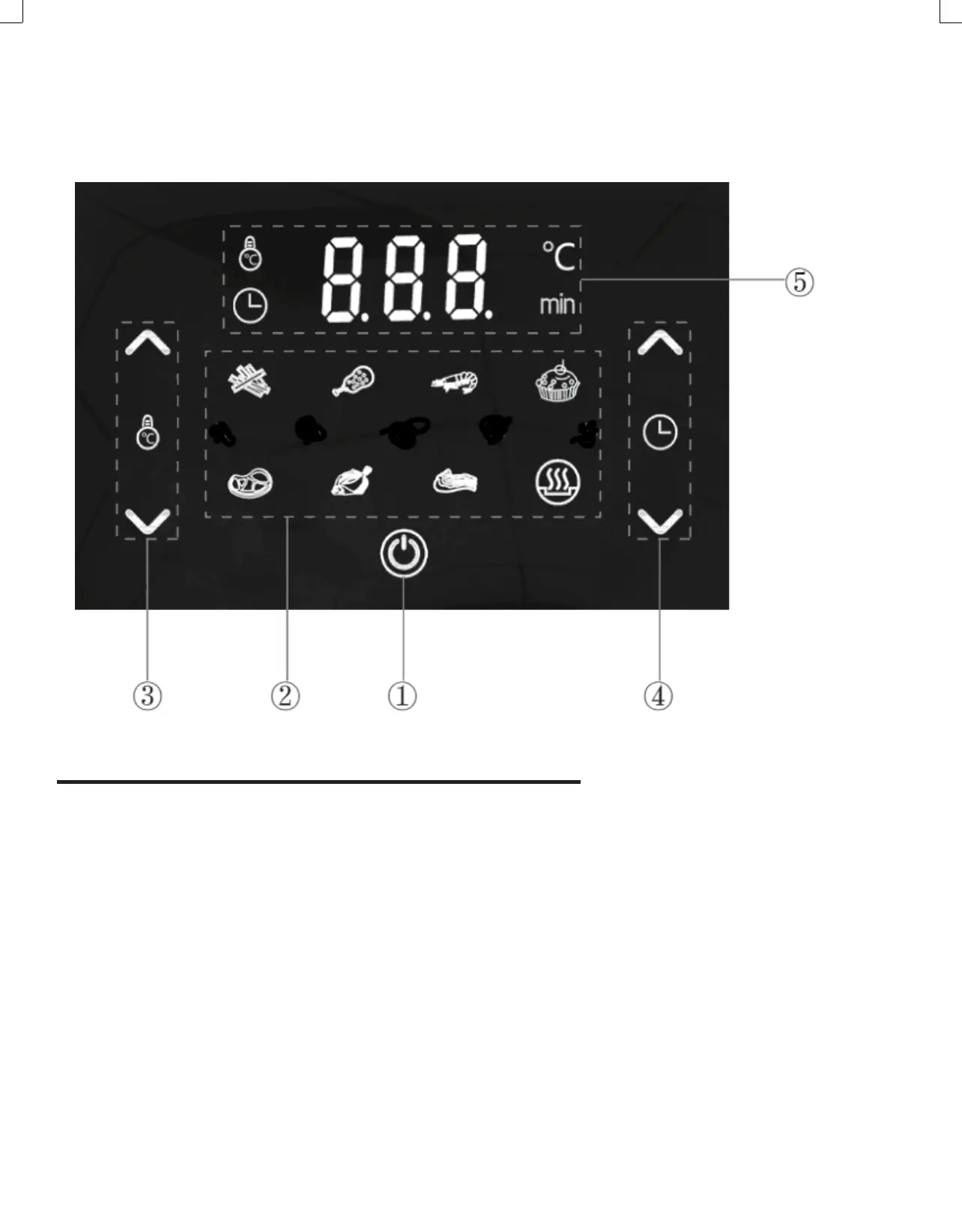
1. Power Button
Once the Basket and Fry Tray are properly placed
in the Main Unit Housing, the Control Panel will be
illuminated. Pressing the Power Button once will
set the appliance to a default cooking temperature.
Pressing the Power Button a second time will start
the cooking process. Pressing the Power Button
during the cooking cycle will turn the appliance off.
2. Cooking Presets
Press the cooking preset buttons to choose from
up to eight cooking presets. See the Preset Chart
below for the cooking times and temperatures
associated with each preset.
NOTE: The running lights on the Control Panel will
illuminate when the cooking cycle begins and
will stay illuminated for up to 20 seconds after the
cooking cycle is complete.
3. Temperature Control Buttons
The + and − symbols enable you to increase
or decrease cooking temperature 5° C at a time.
Keeping a button held down will rapidly change
the temperature. Temperature control range:
80°C–200°C).
4. Timer Control Buttons
The + and − symbols enable you to increase or
decrease cooking time 1 minute. at a time. Keeping
the Button held down will rapidly change the time.
Time control range: 1– 60 minutes.
5. Time and Temperature Display
This display will keep track of the temperature
and remaining cooking time.


 To Next Page