EasyManua.ls Logo

Smiths Level 1 DSTA-40 - Page 10

Smiths Level 1 DSTA-40
20 pages
Print Icon
To Next Page IconTo Next Page
To Previous Page IconTo Previous Page
Loading...
DSTA-40
TEMP
CHECK
Thermometer
Operator’s
Manual
11
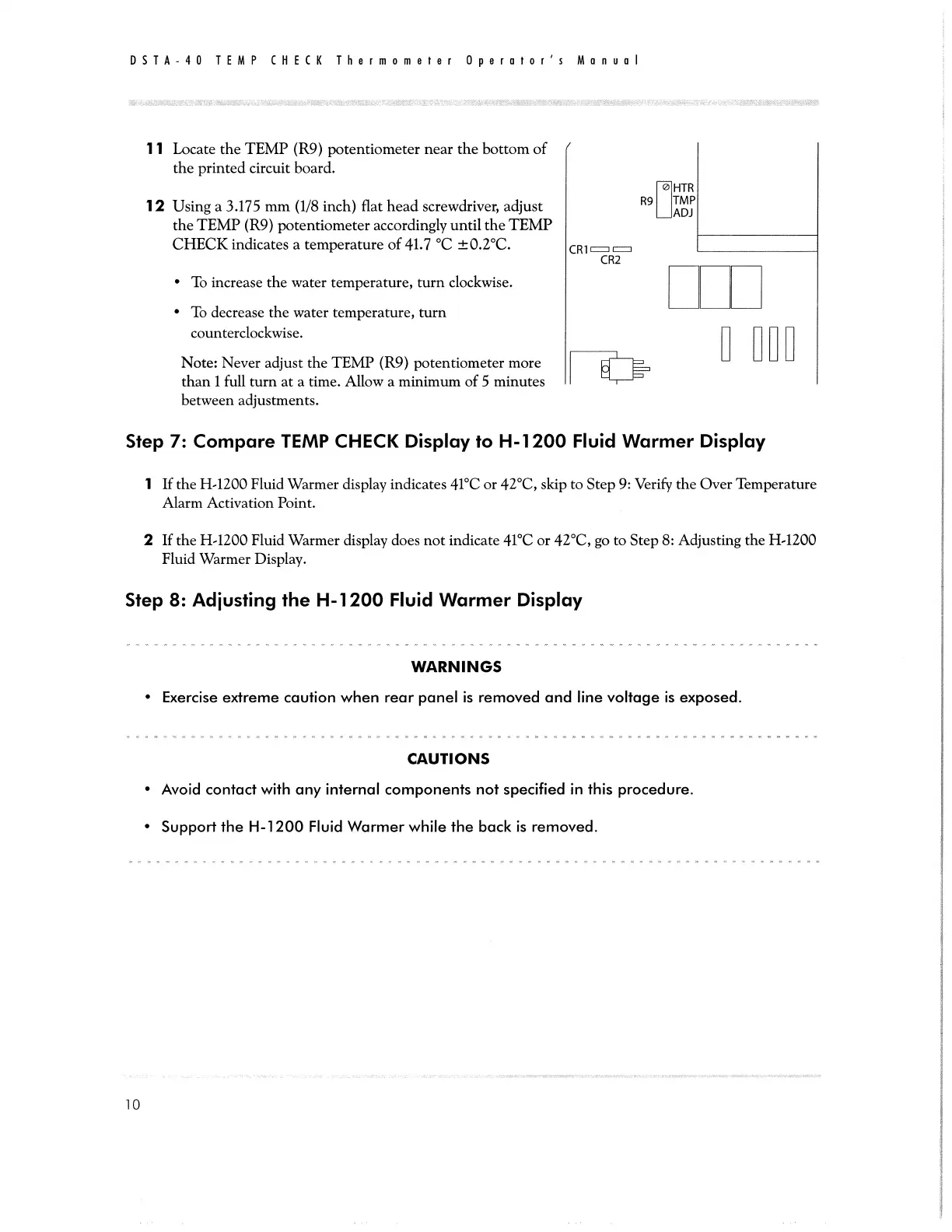
Locate
the
TEMP
(R9)
potentiometer
near
the
bottom
of
the
printed
circuit
board.
HTR
12
Using
a
3.175
mm
(1/8
inch)
flat
head
screwdriver,
adjust
R9
fi
the
TEMP
(R9)
potentiometer
accordingly
until
the
TEMP
CHECK
indicates
a
temperature
of
41.7
°C
+0.2°C.
CRY
E
CR2
+
To
increase
the
water
temperature,
turn
clockwise.
®
To
decrease
the
water
temperature,
turn
counterclockwise.
|
|
|
|
Note:
Never
adjust
the
TEMP
(R9)
potentiometer
more
|
LE
than
1
full
turn
at
a
time.
Allow
a
minimum
of
5
minutes
between
adjustments.
Step
7:
Compare
TEMP
CHECK
Display
to
H-1200
Fluid
Warmer
Display
1
If
the
H-1200
Fluid
Warmer
display
indicates
41°C
or
42°C,
skip
to
Step
9:
Verify
the
Over
Temperature
Alarm
Activation
Point.
2
If
the
H-1200
Fluid
Warmer
display
does
not
indicate
41°C
or
42°C,
go
to
Step
8:
Adjusting
the
H-1200
Fluid
Warmer
Display.
Step
8:
Adjusting
the
H-1200
Fluid
Warmer
Display
WARNINGS
*
Exercise
extreme
caution
when
rear
panel
is
removed
and
line
voltage
is
exposed.
CAUTIONS
¢
Avoid
contact
with
any
internal
components
not
specified
in
this
procedure.
¢
Support
the
H-1200
Fluid
Warmer
while
the
back
is
removed.
10