7
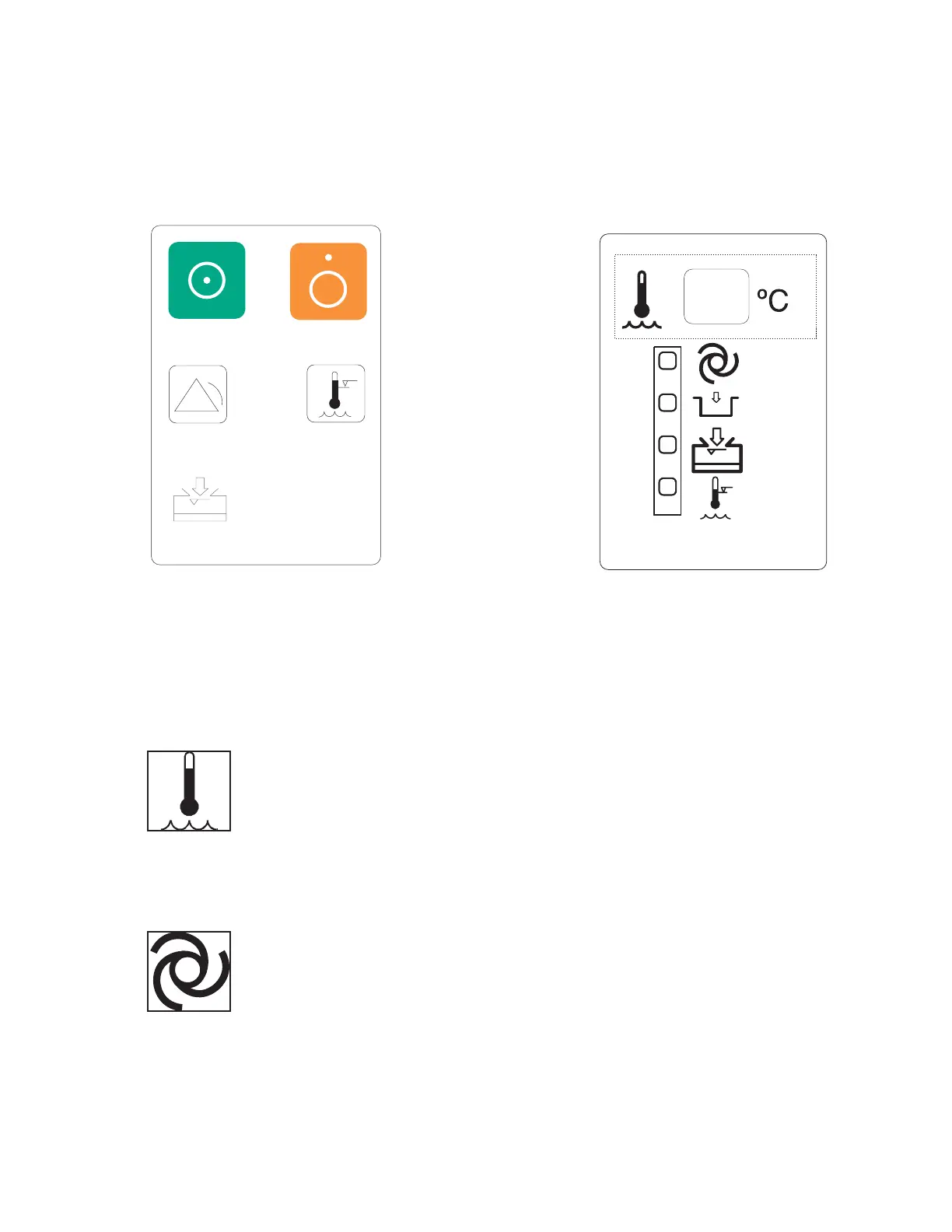
Press and hold this button to test this alarm circuitry. When the switch is released the
WATER OVER TEMPERATURE alarm will continue to sound. This is normal operation.
To clear this alarm condition, turn the unit OFF and then back ON.
Display Panel
The display panel shown in Figure 4 contains visual information that continuously
indicates the status of the H-1000 during operation. Five displays provide information for
safe, convenient use of the device.
1. CIRCULATING WATER BATH TEMPERATURE
Displays temperature of the circulating water bath in °C. This is not the temperature of the
fluid delivered to the patient.
2. SYSTEM OPERATIONAL
This GREEN indicator illuminates when the power switch is ON and the heat exchanger
has been properly installed.


 To Next Page