504-2033 Iss. 1j 14 April 2005
10.6 Check Tidal Volume, with No Air Mix
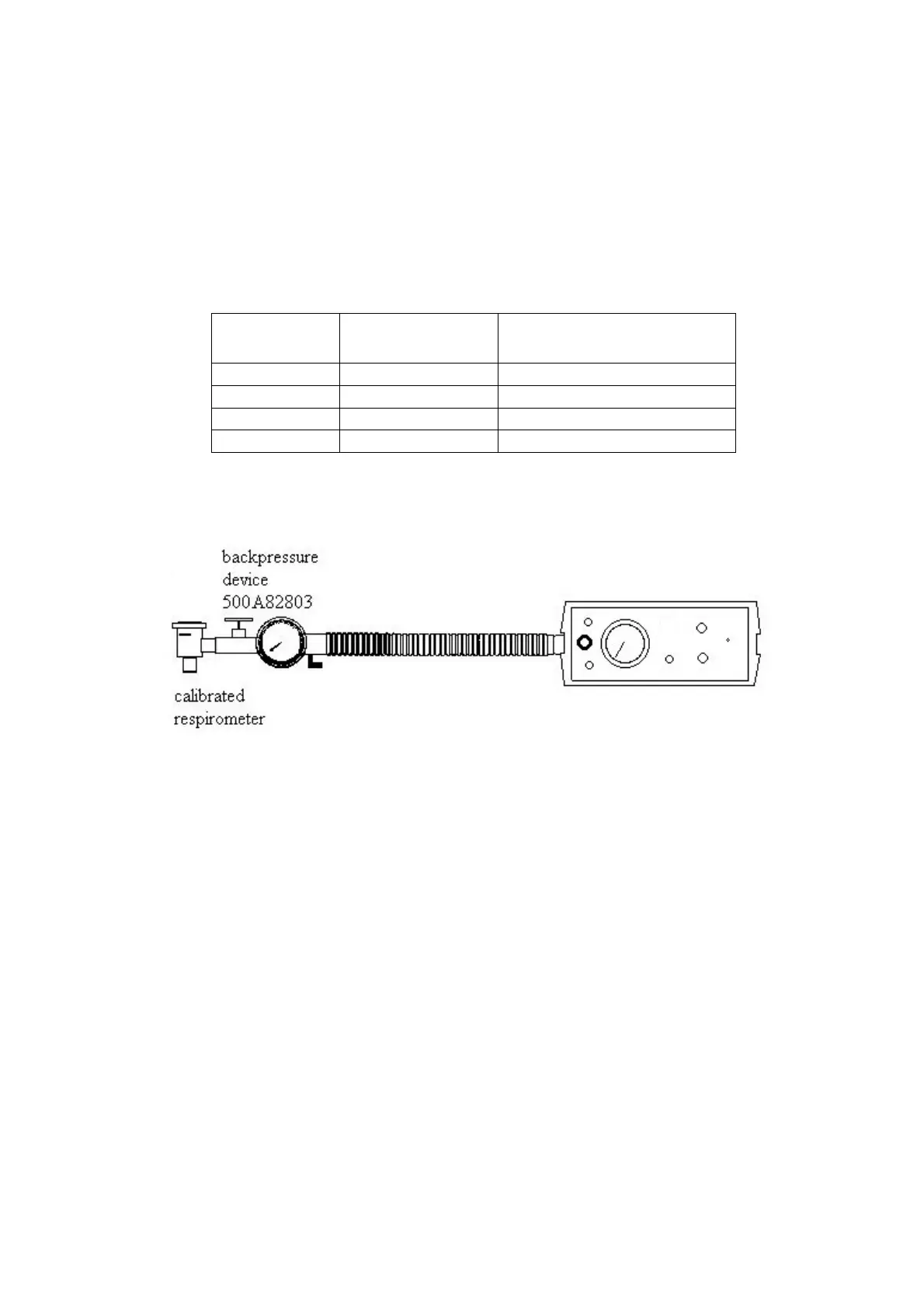
i) Connect a calibrated respirometer to the outlet port of the backpressure device.
ii) Select ‘No Air Mix’.
iii) Set a backpressure as in 10.4 ii).
iii) Using the table below to set the controls and the Pneupac calibration chart for the
respirometer, check the tidal volume of the ventilator across the whole range.
V
T
del
(mL)
Frequency Set
(bpm)
Tidal Volume Actual
(tolerance)
1300 8 1268 – 1682
1000 12 851 – 1129
500 20 404 - 536
10.7 Check Tidal Volume with Air Mix
i) With the calibrated respirometer and the backpressure device still connected to the
outlet port, select the ‘Air Mix’ position.
ii) Repeat the instruction as in 10.6 iii)
iii) Remove the respirometer.
iv) The Cycle indicator LED should now cease to illuminate and after 10 seconds the Low
Pressure/Disconnect LED will start to flash and a Medium Priority audible alarm
should sound.
10.8 Check Relief Pressure and Audible Alarm with No Air Mix
i) Select ‘No Air Mix’ and set the Frequency control to its minimum.
ii) Using the table overleaf, check the relief pressure and audible alarm of the ventilator
across the whole range. At each setting temporarily close the backpressure device. The
pneumatic audible alarm should sound and the red High Pressure LED (top left) should



 To Next Page