Print Data Files and Code Scan Reports,
Download Software Updates,
and more using ...
ShopStream Connect (SSC) is a companion PC application available at no cost that gives
you the ability to connect your diagnostic tool to your PC.
1. Get started by downloading and installing the SSC application onto your PC.
Download SSC at:
diagnostics.snapon.com/ssc
2. Connect the USB cable to the diagnostic tool, and your PC.
3. From the diagnostic tool, select Tools > Connect-to-PC.
4. Use the SSC application to:
• Print data files, and Code Scan reports
• Download Software Updates and Upgrades
• Transfer data files bi-directionally between the tool and your PC
• Save and Manage data files
• Add Notes to your data files
Kit Contents
(and Accessories/Extras)
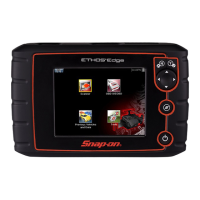
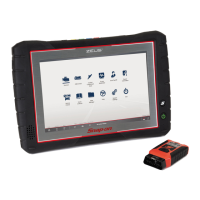
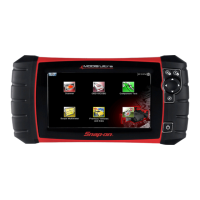
The following are included with your ETHOS Edge kit:
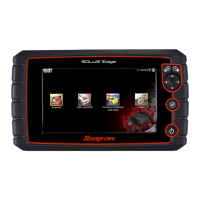
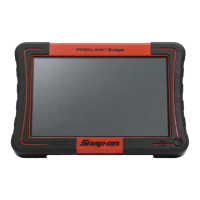
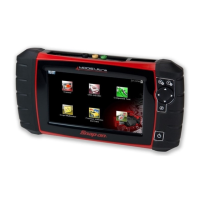
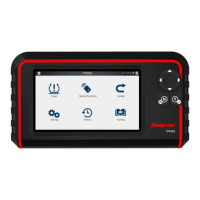
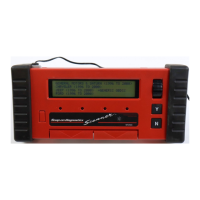
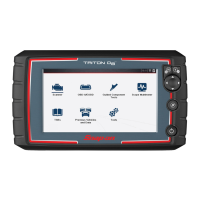
Contact your Snap-on representative about accessories and extras, including these
and more!
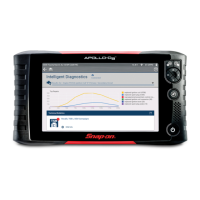
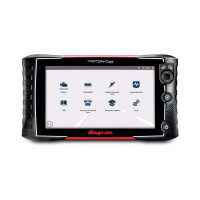
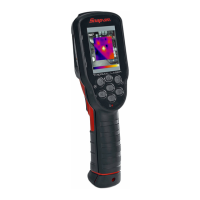
• OBD-I and European Data Cable Adapters • Screen Protectors
• ETHOS Edge Diagnostic Tool and Battery Pack
• OBD-II Data Cable (DA-4)
• Mini USB Cable
• AC Power Supply
• Getting Started Pack
• Soft Carrying Case
USB Jack
Download the SSC user manual at: diagnostics.snapon.com/usermanuals


 To Next Page