EasyManua.ls Logo

Snapper 7800918-00 - User Manual

Snapper 7800918-00
40 pages
Print Icon
To Next Page IconTo Next Page
Loading...
Not for
Reproduction
Operator’s Manual
7105921
Rev. -
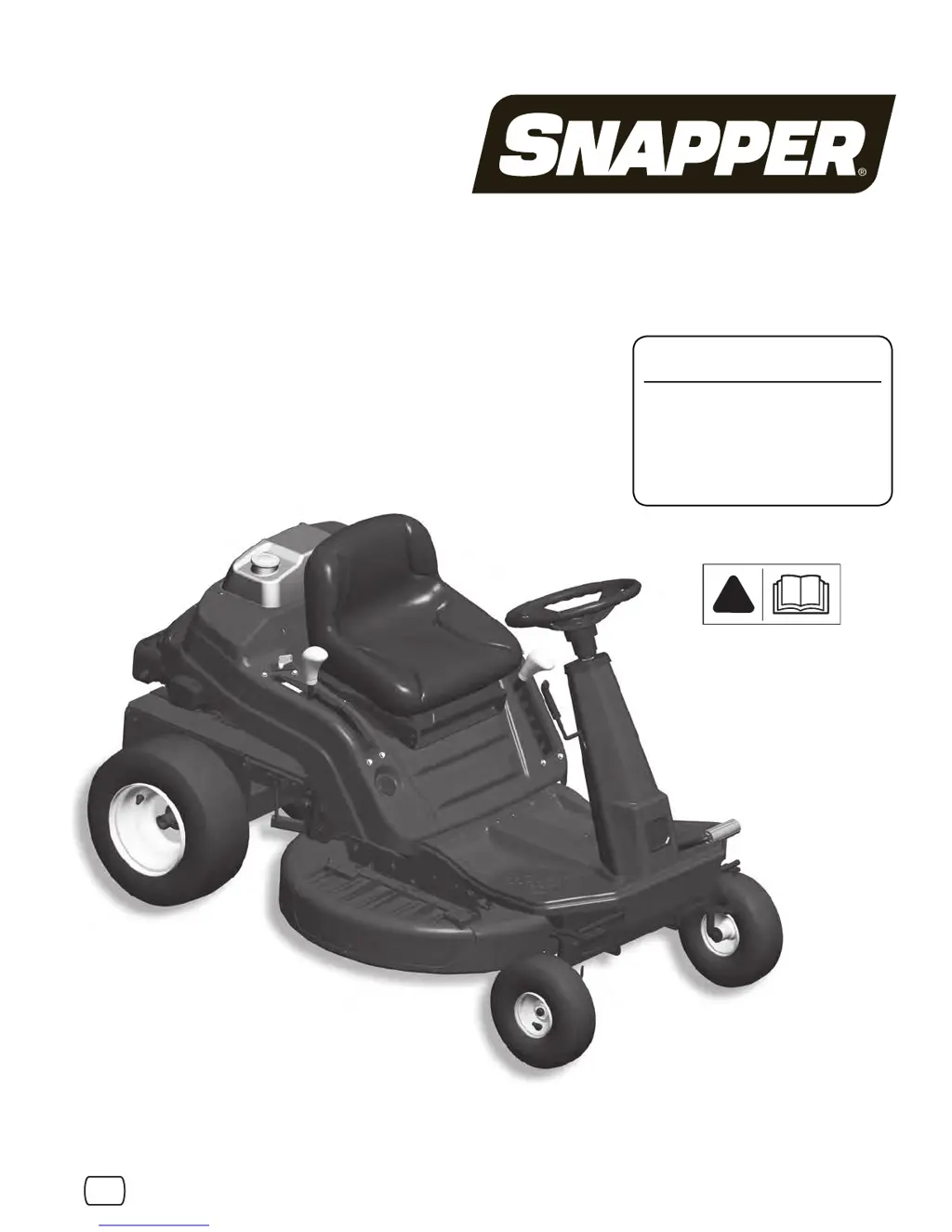
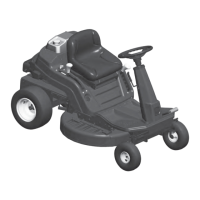
Rear Engine Riding Mower
!
en es fr
Model No.
7800918-00
7800920-00
7800921-00
7800932-00

Questions and Answers

  • J
    Joel ParkerJul 29, 2025
    What to do if Snapper 7800918-00 Lawn Mower blade(s) are not cutting?
    • J
      jack01Jul 30, 2025
      If the blades on your Snapper Lawn Mower are not cutting, first ensure the blade control is in the ON position. If the mower belt is slipping, have it adjusted or replaced. If the cutting blade is dull, worn, or damaged, sharpen or replace it.
  • M
    millerraymondAug 3, 2025
    Why does my Snapper 7800918-00 Lawn Mower engine lose power?
    • A
      Angela HansenAug 3, 2025
      If your Snapper Lawn Mower engine loses power, start by cleaning or replacing the engine air pre-cleaner or air cleaner filters. Next, service the spark plug. Then, drain and clean the fuel system and replace the filter. Finally, clean all debris from the engine cooling screen.
  • M
    melvin91Aug 7, 2025
    How to fix Snapper 7800918-00 Lawn Mower cutting grass improperly?
    • K
      Krystal HutchinsonAug 7, 2025
      If your Snapper Lawn Mower is cutting grass improperly, check and adjust the tire pressure as needed. Adjust the cutting height and move the engine speed control to the FAST position. Also, adjust the unit to a slower ground speed. Adjust the side to side leveling and the front to rear leveling. Sharpen the cutting edges or replace the blade(s). If the mower belt is slipping, adjust the tension or replace the mower belt.
  • A
    Alison MurphyAug 11, 2025
    Why does my Snapper Lawn Mower have poor grass discharge?
    • A
      Amanda AbbottAug 11, 2025
      To resolve poor grass discharge with your Snapper Lawn Mower, move the engine speed control to the FAST position and adjust the unit to a slower ground speed. Ensure you mow when the grass is dry. Service the mower blade and clean the underside of the deck. Install proper blades on the deck.
  • N
    Nicholas SchwartzAug 15, 2025
    Why does my Snapper 7800918-00 Lawn Mower engine stall after running?
    • M
      Miss Lauren SnowAug 16, 2025
      If your Snapper Lawn Mower engine stalls after running, ensure you are seated properly. If equipped, move the engine speed control to the FAST position, and check if the fuel tank is empty and fill it if needed. Clean the engine air pre-cleaner and air cleaner to remove any debris. Also, service the spark plug, replace the fuel filter if it's restricted, and drain and clean the fuel system to remove any water, debris, or stale fuel.
  • H
    Heather JohnsonAug 20, 2025
    How to reduce excessive vibration in my Snapper Lawn Mower?
    • V
      Victoria HuntAug 20, 2025
      If your Snapper Lawn Mower is experiencing excessive vibration, service any damaged, out of balance, or bent mower blades. Service and tighten any loose blade components. Replace any loose or missing air lifts and tighten them to the proper torque. If there's a lumpy or frayed belt, replace it.
  • J
    jonathanallenAug 25, 2025
    Why is my Snapper Lawn Mower leaking oil?
    • B
      Brenda CampbellAug 25, 2025
      If your Snapper Lawn Mower is leaking oil, verify the chain case or differential plugs are not cracked and are in good shape. Check the gaskets.

Summary

Operator Safety

General Operating Safety

Covers operating safety, reading the manual, children, and reverse operation.

Specific Safety Procedures

Focuses on child safety, preventing tip-overs/roll-overs, and fuel handling.

Slope Measurement

Method for measuring slopes to ensure safe operation limits.

Features and Controls

Control Identification

Identifies and describes the main controls and features of the mower.

Operation

Starting and Engagement

Step-by-step instructions for starting the engine safely.

Stopping the Machine

Steps for safely stopping the engine, transmission, and mower blade.

Repair

Blade and Deck Adjustments

Covers blade inspection, sharpening, and mower deck leveling.

Blade Brake Adjustment

Steps for adjusting the mower blade brake for proper stopping time.

Troubleshooting

Engine Starting and Performance Issues

Covers engine not starting, stalling, power loss, and vibration.

Snapper 7800918-00 Specifications

General IconGeneral
BrandSnapper
Model7800918-00
CategoryLawn Mower
LanguageEnglish

Related product manuals