6. Checking Voice Mail
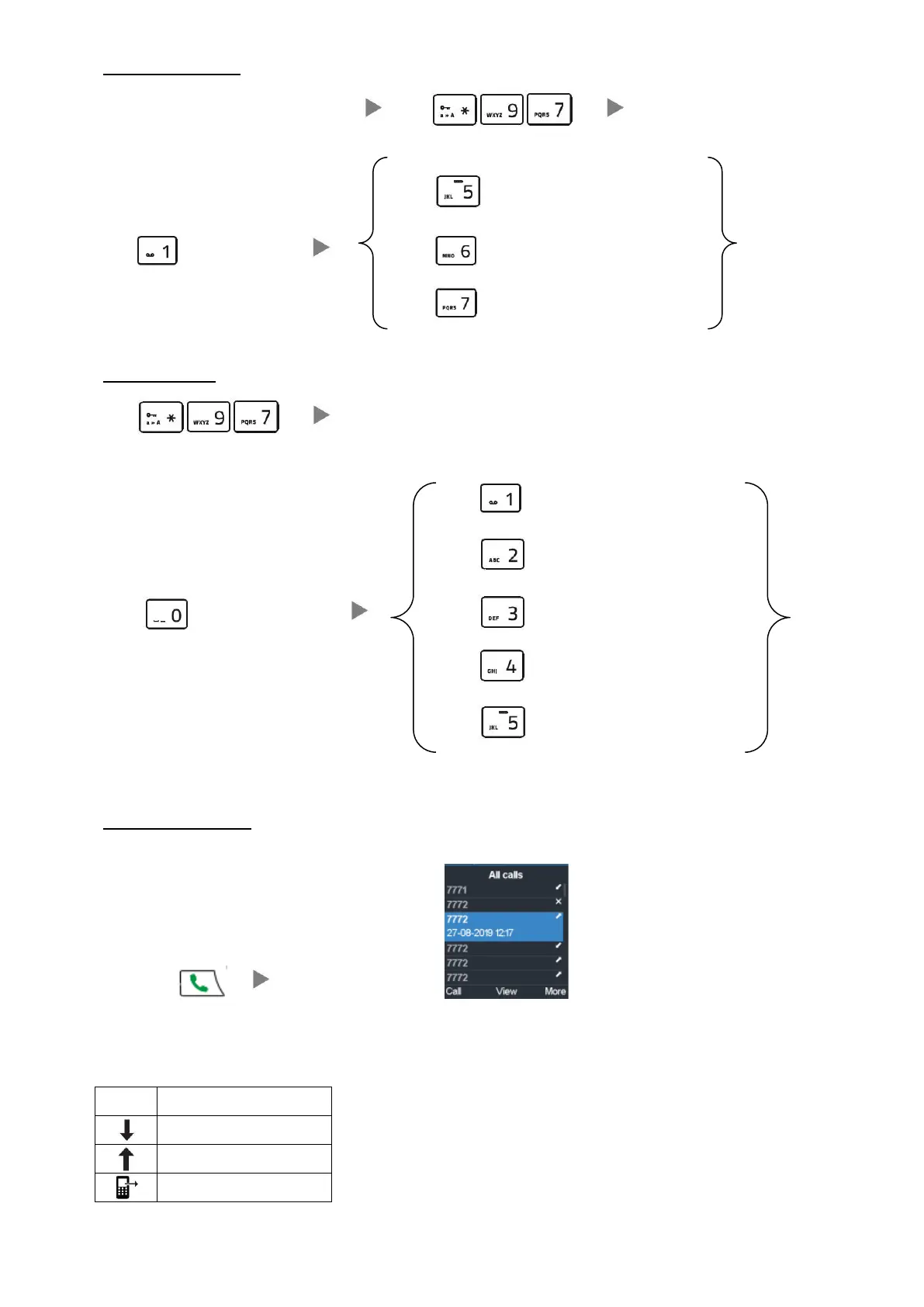
When message LED light is flashing Dial Enter Password (if any)
Press to Repeat Message
Press to Listen Message Press to Play Next Message
Press to Delete/Un-Delete Message
7. Voice Mail Setup
Dial Enter Password (if any)
Press to record Unavailable Message
Press to record Busy Message
Press to goto mailbox option Press to record Your Name
Press to record Temporary greeting
Press to Change Password
8. Checking Call History
Press Call List will be shown



 To Next Page