5SNOOPER DVR-WF1
2. Mobile app
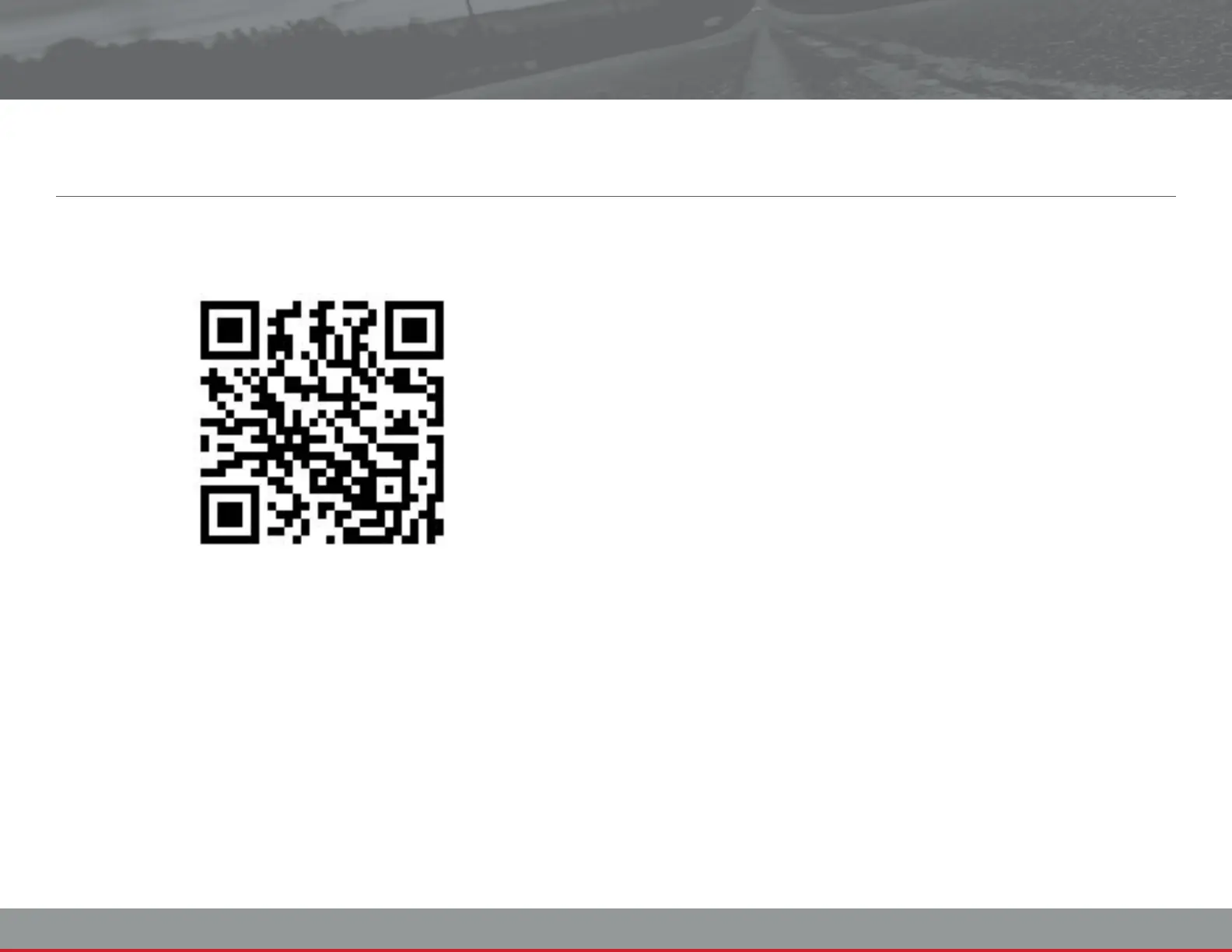
To use this device you will need a Smart Phone. To Install our app, use
a QR Code reader app on the QR Code below, this will take you to
the relevant app store page for your Smart Phone.
Once you have installed the app follow these instrucons.
1. Turn on the DVR-WF1
iOS Setup
2. Open i
3. Open Wi-Fi
4. In your list of Wi-Fi networks touch R502xxxxxxxxxxxxx
5. Enter the password: 12345678
6. Once the Wi-Fi has successfully connected, close i
7. Open the Snooper DVR-WF1 Player app
Android Setup
2. Open
3. Open Wi-Fi
4. In your list of Wi-Fi networks touch R502xxxxxxxxxxxxx
5. Enter the password: 12345678
6. Once the Wi-Fi has successfully connected, close i
7. Open the Snooper DVR-WF1 Player app
You can also search for Snooper DVR-WF1 Player in the app stores if
you don't have a QR Code scanner installed.


 To Next Page