11
9. BATTERY
9.1 Battery Indicator
If the battery becomes depleted during monitoring, the Battery Indicator Light (2) will
flash as follows:-
Red flash on each abdominal Nearing depletion – replace battery before
movement further use.
Red flash on each abdominal Battery flat – No monitoring will take place.
movement and the low battery Replace battery before further use.
alarm beeps every 2 seconds
If the battery is nearing depletion or depleted, change the battery before further use of
the monitor (see Section 9.3 Replacing the Battery).
9.2 Battery Life
The life of the replaceable battery depends entirely on usage. Battery life will vary
significantly depending on the average daily duration of use and/or alarm duration and/
or number of alarms. Turning on and off unnecessarily shortens the battery life. If the
number of alarms is high, check diaper fitment.
Please note that the product guarantee does not apply to the battery.
9.3 Replacing the Battery
For all SE models: use a CR2 (CR15270) battery available from most retail outlets.
For all other models: use only a 14250 battery that delivers 3V 600mAh, available
from a specialist battery supplier or your national Snuza distributor. Please see our
website www.snuza.com for information about batteries and details of your national
distributor.
♪
** The serial number is located inside the battery housing (it can also be found
on the original Snuza packaging). To locate the serial number, remove the
battery cover and battery as per the instructions below:
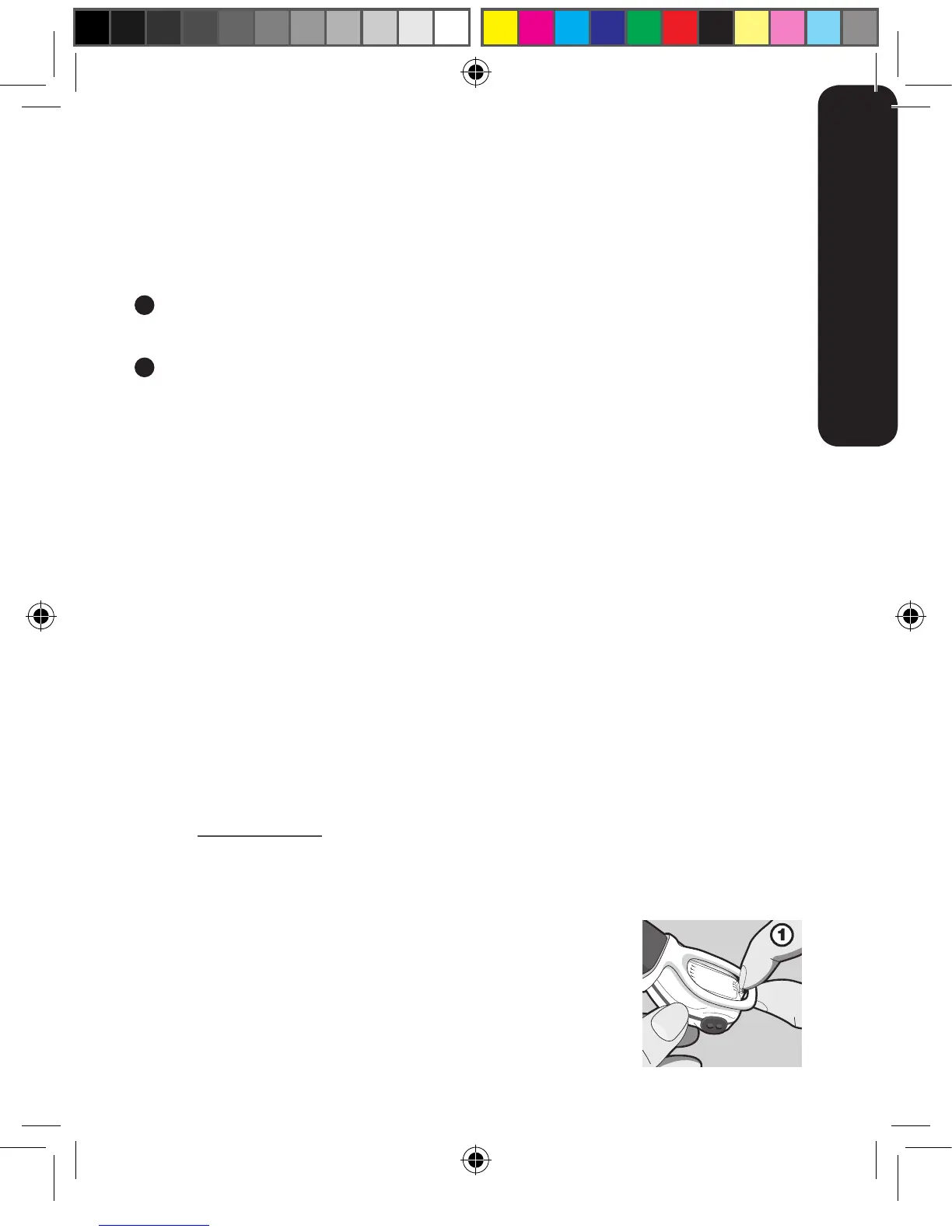
1. Use your fingernail or a small flat implement. With a pinching
action (Figure 1), gently pull back the Battery Cover Release Clip
(10) on the underside of the monitor and lift the Battery Cover at
the same time (Figure 2).
ENGLISH



 To Next Page