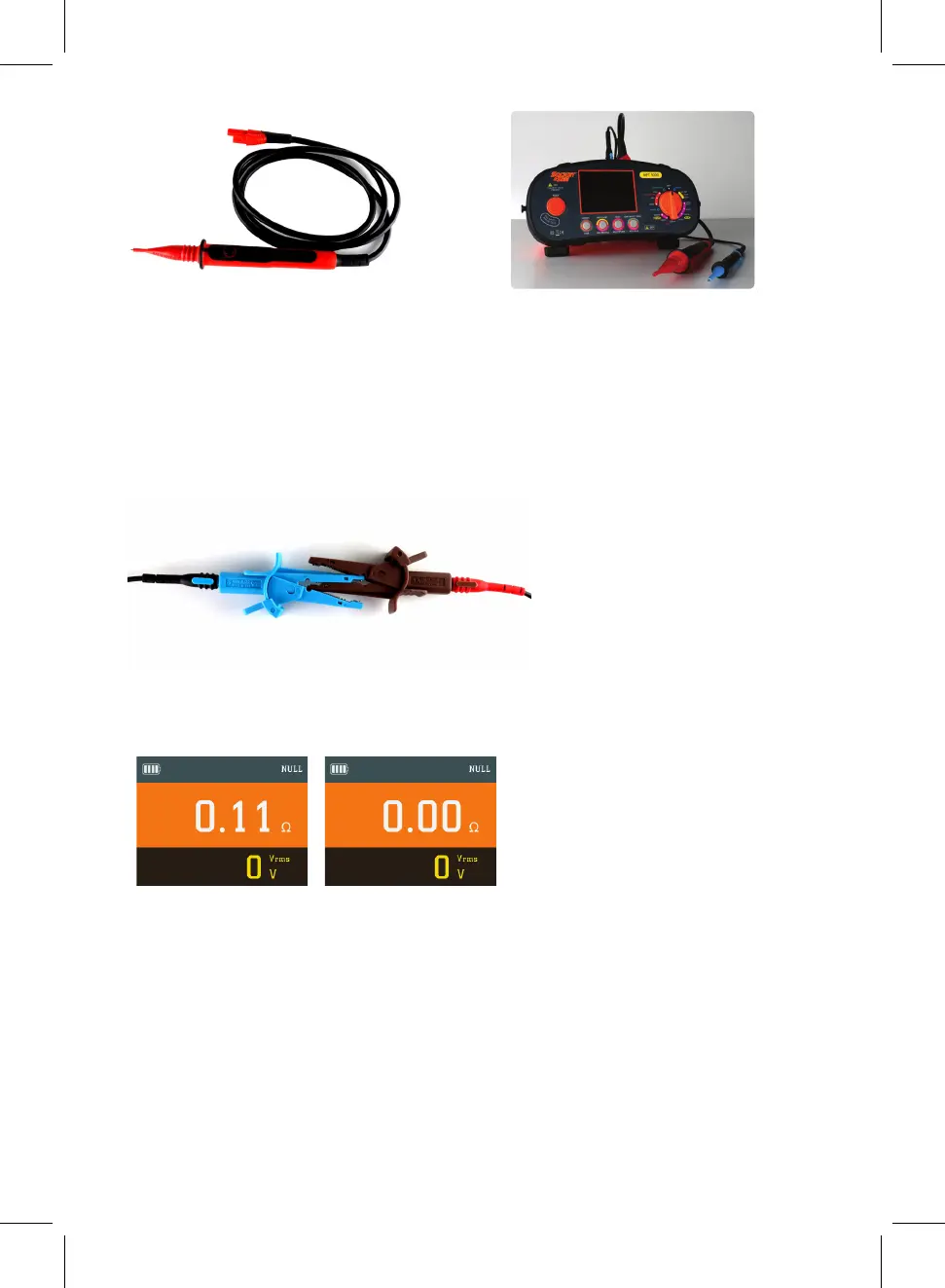
Select continuity on the rotary switch.
Lead Nulling
Test Leads are nulled to ensure accurate resistance values of circuit under test. To
achieve this you must null the resistance of the leads in use. Using the croc clips
connect the open ends of the test leads together firmly ensuring a good connection,
then press continuity null button, the instrument will display the resistance value of the
test leads, then press the test button, the display will then show 0.00Ω and your test
leads are successfully nulled. The word Null will appear on the display.
If inserting new or dierent length leads you must repeat process above.
NOTE: Nulled results will be stored until user reset. To reset simply leave the
MFT5000 in continuity mode and open circuit i.e. do not have leads connected. Then
press NULL this will then remove the null function.
The Socket & See MFT5000 is now correctly set up to perform continuity testing on a
circuit.
You can also set up your Socket & See MFT5000 to be used in Handsfree mode on
continuity by simply pressing the 'Handsfree' button and then pressing test. Handsfree
will flash at the top of the screen to indicate you are on Handsfree mode. To deactivate
simply press the ‘Handsfree’ button again.
Before Null After Null
IMPORTANT: When connecting the croc clips they must be connected as diagram shown
this ensures that the best point of contact is made to give the most accurate resistance
value of the leads that will be used for testing
10



 To Next Page