No Trip Loop Test (Zs)
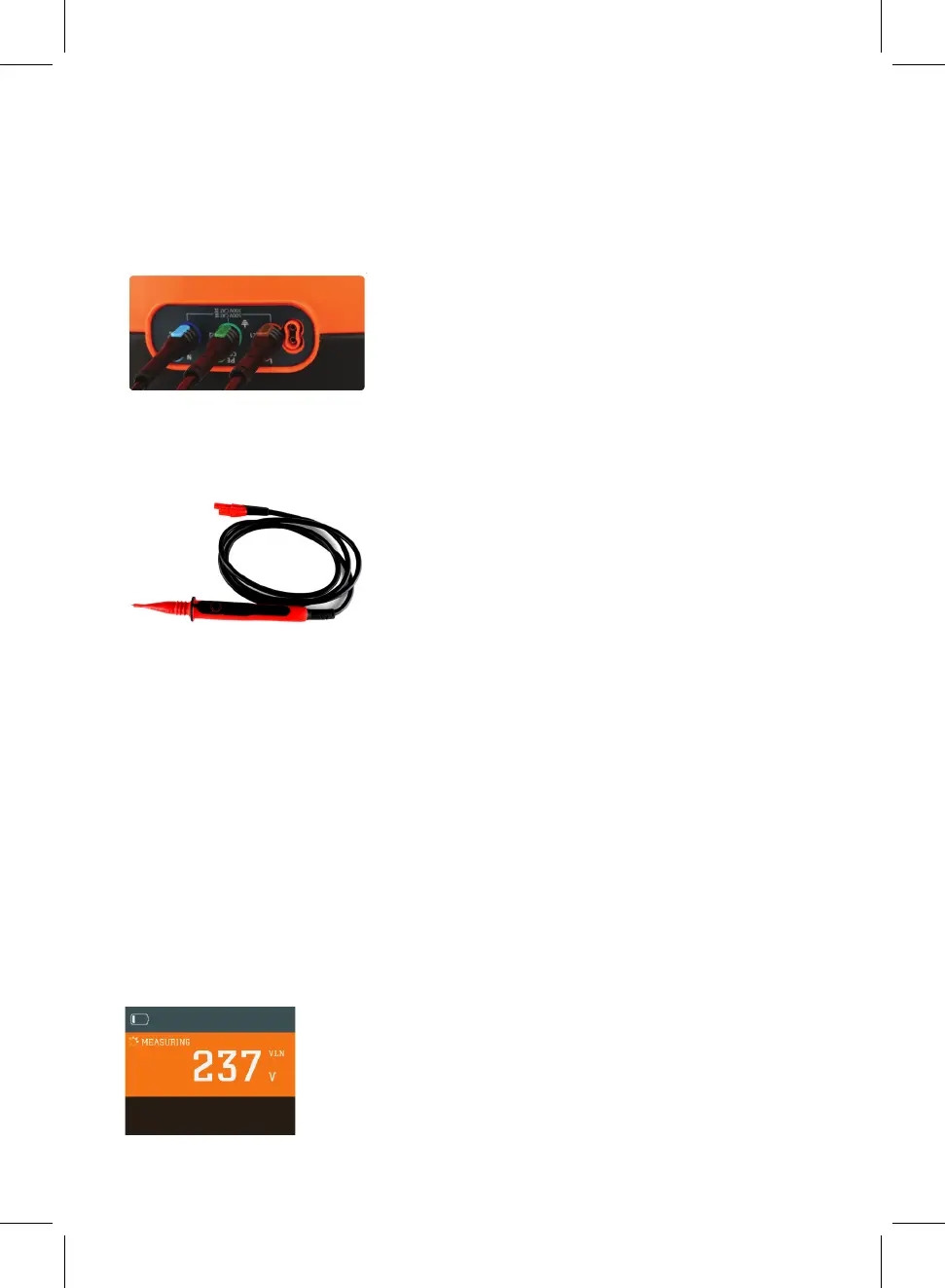
Connect the brown, blue and green test leads to the corresponding output terminals on
the tester.
The brown test lead can be substituted by using the red remote test probe supplied.
This allows remote activation of the MFT5000 from the safety of the test probe ensuring
that you are always looking at the point of contact and not the MFT5000.
If testing the loop impedance at a socket plug in the 13amp plug and switch on the
power.
NOTE: The circuit under test must be live to conduct loop testing
The test will be inhibited if the wiring has incorrect polarity on the circuit
under test.
Rotate the function selector switch to ‘NO TRIP’
Connect the test lead to the socket/circuit under test.
Providing that the connections are correct and the supply voltage is within the correct
range the VOLTAGE/POLARITY LED will light Green, the Socket & See MFT5000 will
start taking some background measurements and will display the Line Neutral supply
voltage
Voltage will be displayed. Then press the test button. The screen will show a symbol
and the word measuring.
22


 To Next Page