APPENDIX G: SPECIAL BUTTON SEQUENCES 109
APPENDIX G
S
PECIAL BUTTON SEQUENCES
Restoring Factory Defaults
To restore the CHS to its factory defaults, do the following:
1. Power on the CHS.
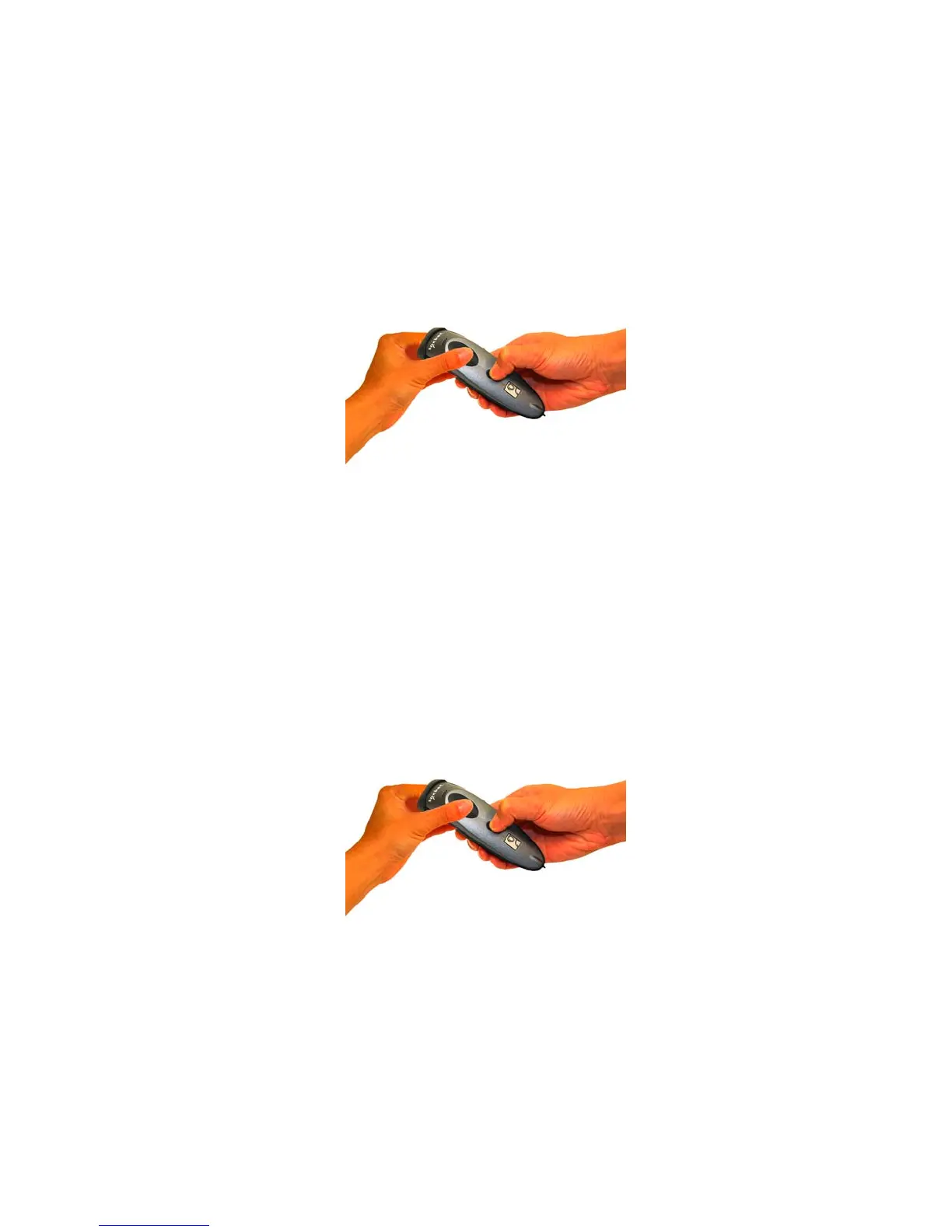
2. While pressing the trigger button, briefly press and release the power button.
3. After about 15 seconds, the CHS will beep. Release the trigger button. If you performed the
actions correctly, the CHS will beep 5 times and power off.
4. The next time you power on the CHS, it will take longer than normal. After the CHS finishes
powering on, it will have factory default settings (HID mode for Keyboards).
Unpairing the CHS
1. Power on the CHS.
2. Press and hold down the trigger button. Press and hold down the power button until you
hear 3 beeps.
3. After you hear 3 beeps, release both buttons. The CHS will unpair and automatically power off.
The next time you power on the CHS, it will be discoverable.



 To Next Page