CHAPTER 6: SETUP FOR ANDROID 63
OPTION 2: USING THE CHS IN SPP MODE
To install the software:
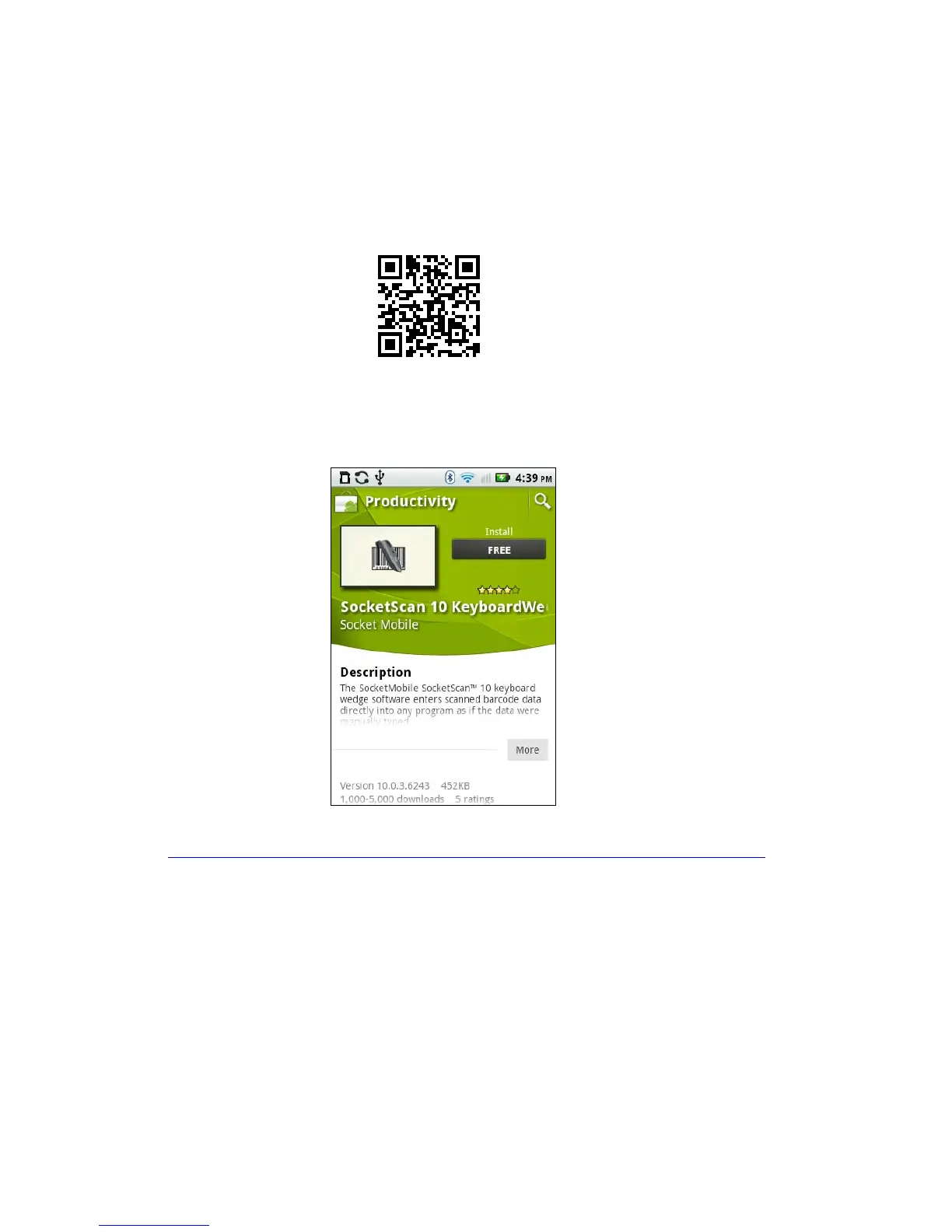
1. If you installed barcode scanning software for your phone camera, scan this
barcode to launch the SocketScan 10 page in Android Market.
Alternatively, you can do one of the following:
• Open Android Market and search for SocketScan.
• In a web browser, open the Amazon Appstore for Android page:
http://www.amazon.com/Socket-Mobile-SocketScan-CHS-Scanners/dp/B004X84VZA
If prompted, allow the application to access Bluetooth connections and settings
and/or modify USB storage / SD card contents.
2. Follow the onscreen instructions to download and install SocketScan 10 software.


 To Next Page