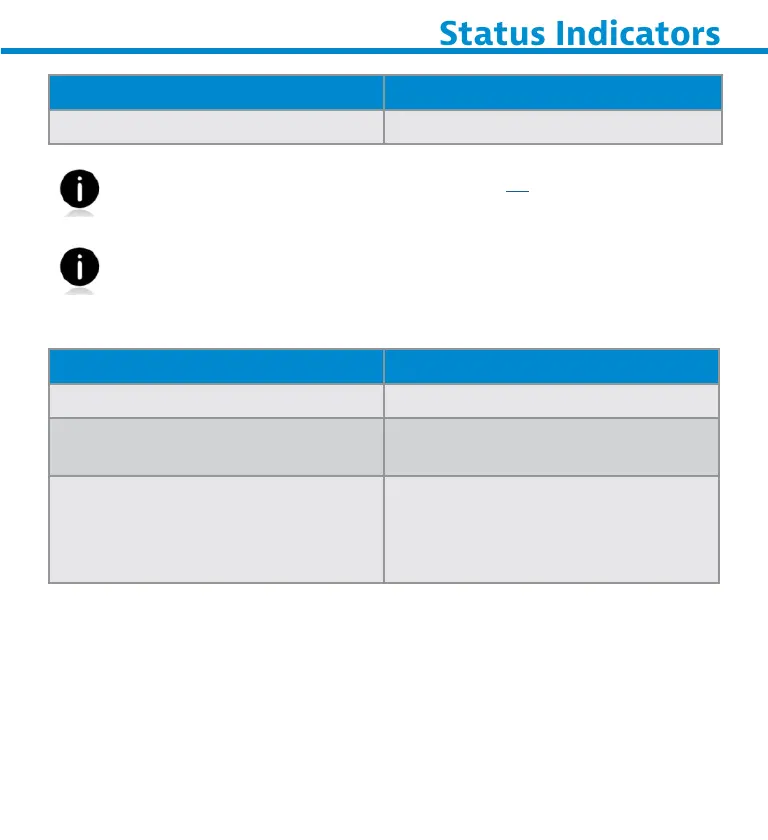
Vibrate Meaning
Vibrate Data successfully scanned.
Command Barcodes are available on page 28 to modify beep
and vibrate settings.
If you are using a scanner-enabled application, typically the
application provides settings for beep, and vibrate settings.
Configuration Settings
Time after powering on Scanner Bluetooth mode
0-5 minutes Discoverable and connectable
5 minutes If connection is not made,
scanner powers off
2 hours If your scanner is connected but
not used it will power off in 2
hours. When trigger button is
pressed the timer is reset.
38















 To Next Page